At Jeda.ai, we don’t just release features, we evolve capabilities that empower your workflow and unlock creativity in ways that matter. Over the past few weeks, we’ve refined your experience across AI Recipes, Mind Mapping, and Sticky Notes.
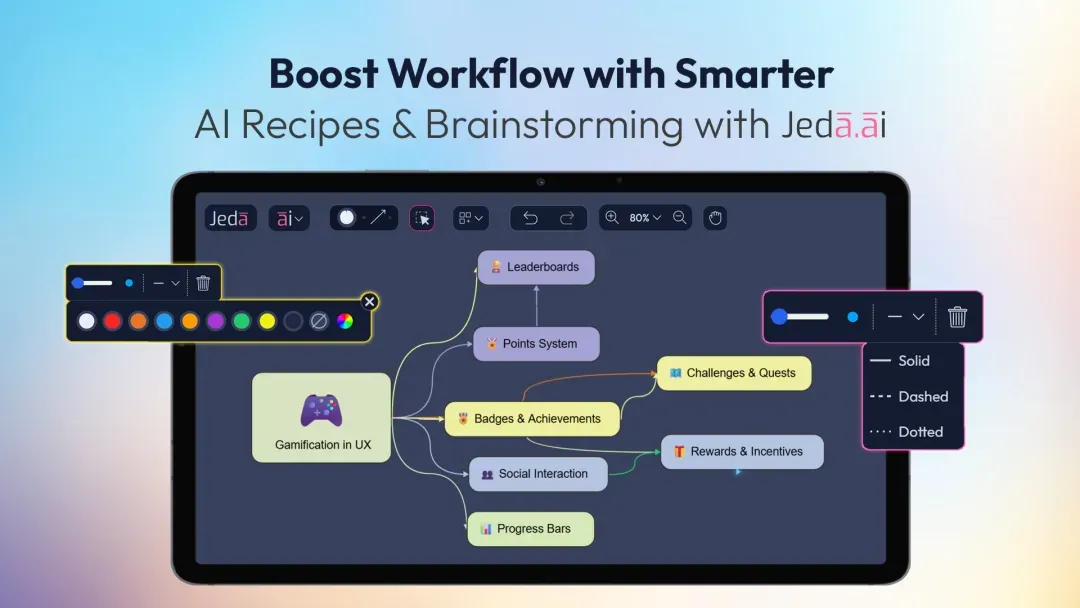
Here’s a detailed look at what’s new and improved:
AI Recipe Search: Smarter Results
With over 300 AI Recipes and more constantly added, navigating the right tool shouldn’t slow you down.
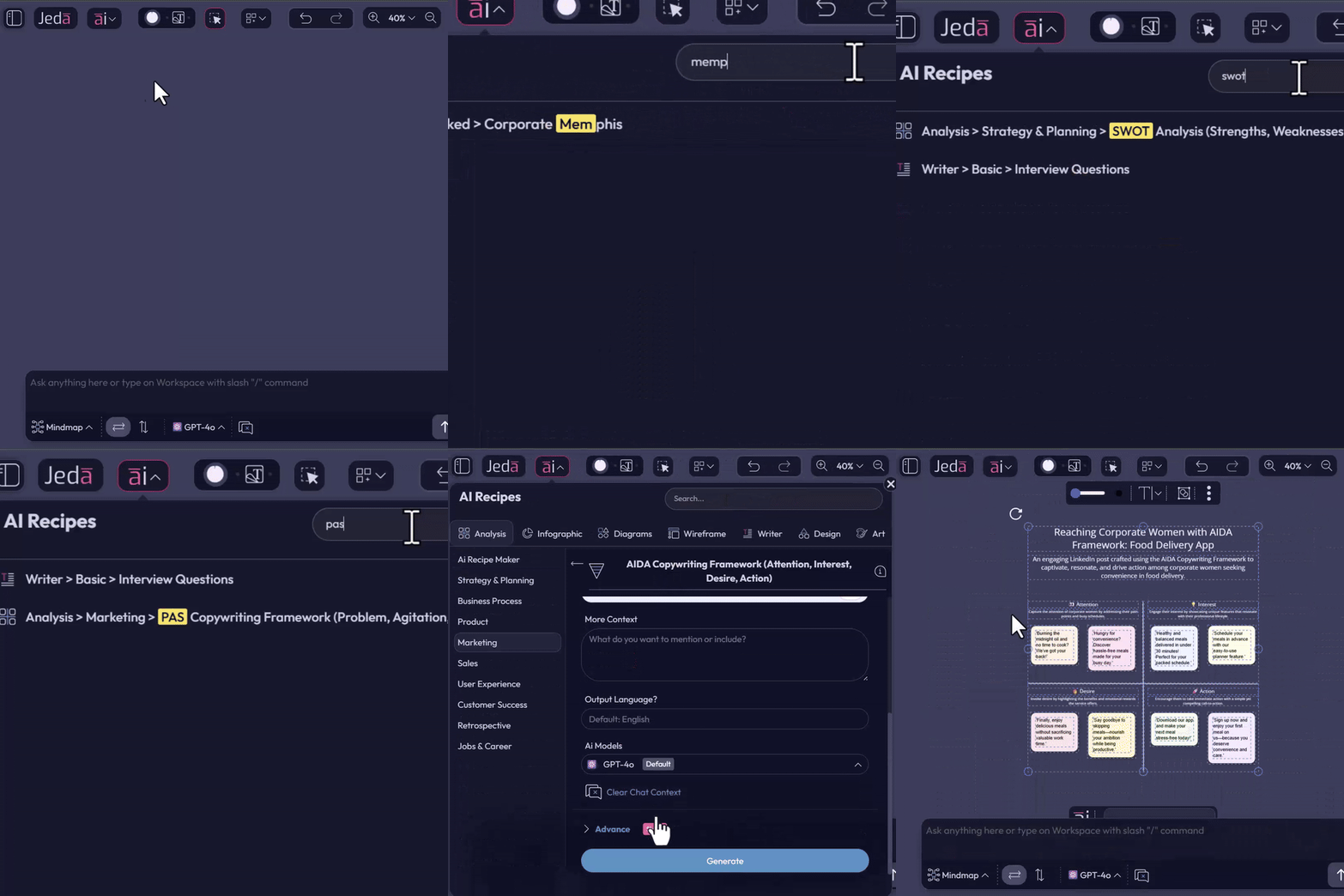
Whether you’re creating a SWOT, Eisenhower Matrix, flowcharts, or visual storytelling assets, this capability ensures your workflow is uninterrupted and efficient.
Connector Styles: An Upgraded Brainstorming
Mind mapping and process flows are core parts of brainstorming and strategic planning. Our new updates take it to the next level:
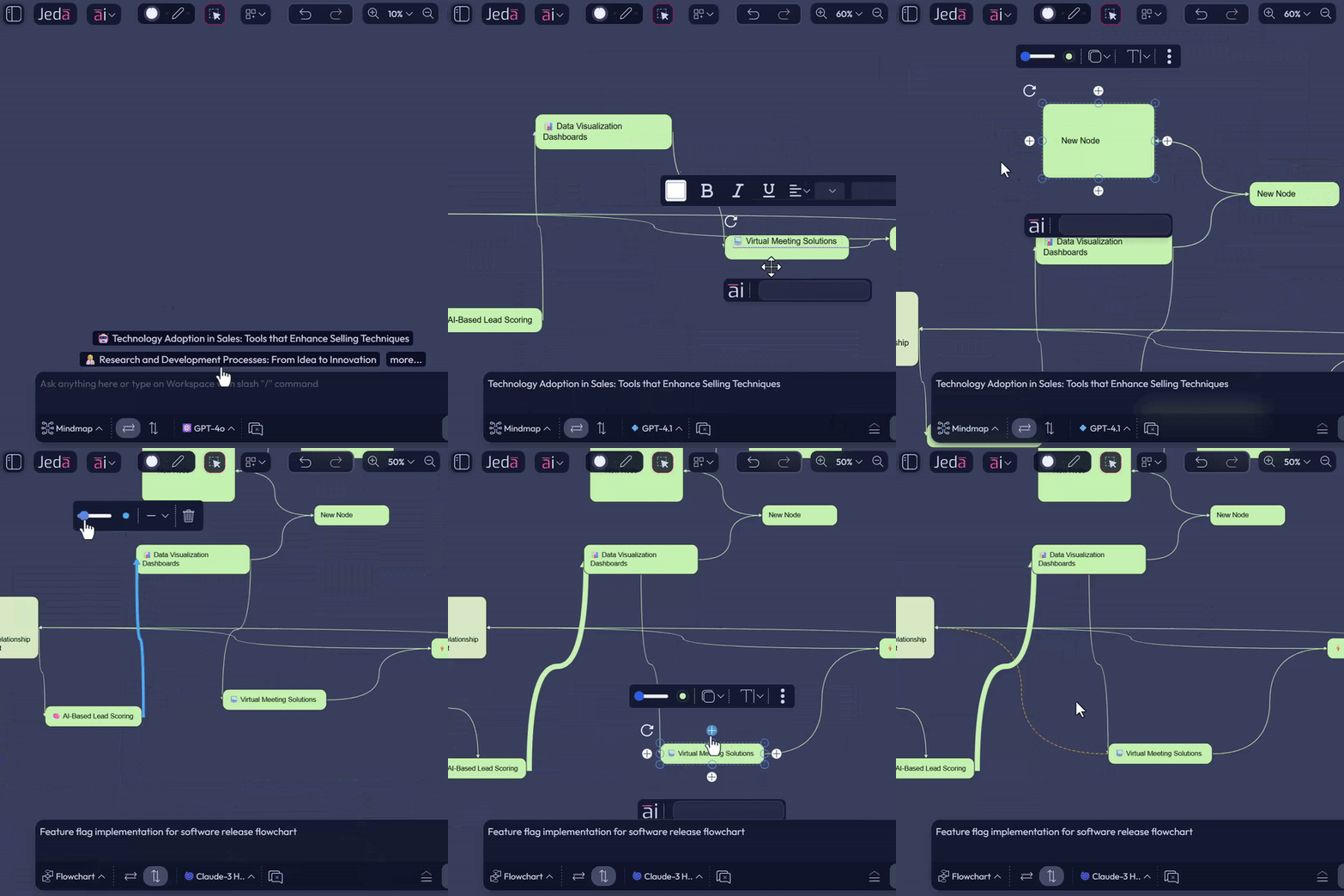
These improvements make manual mind mapping faster, clearer, and visually coherent, helping you organize ideas, track connections, and experiment with structures without breaking your flow.
Sticky Notes: Direct, Seamless Editing
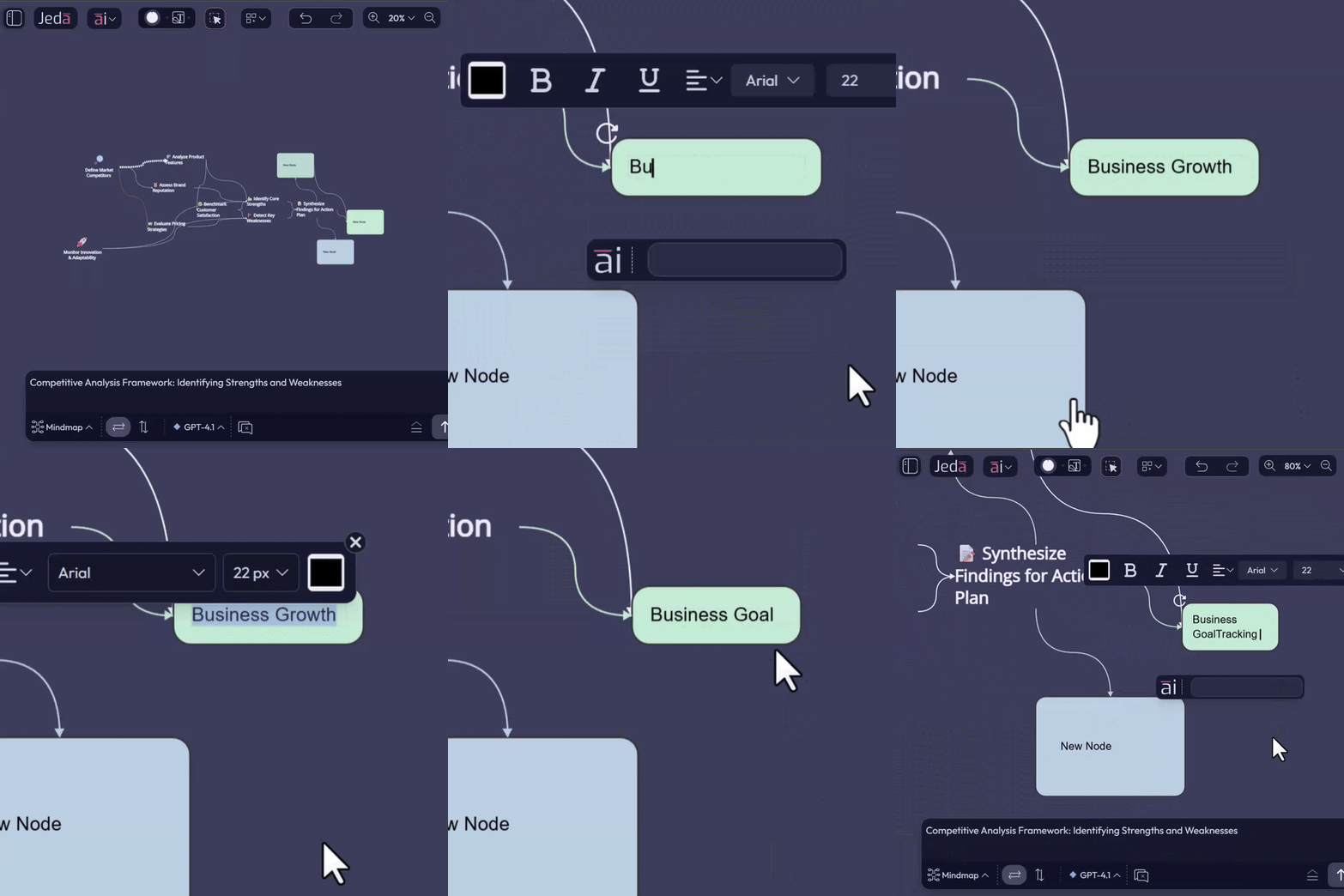
No more multiple clicks or awkward editing steps; your notes stay natural, fluid, and ready for collaborative ideation.
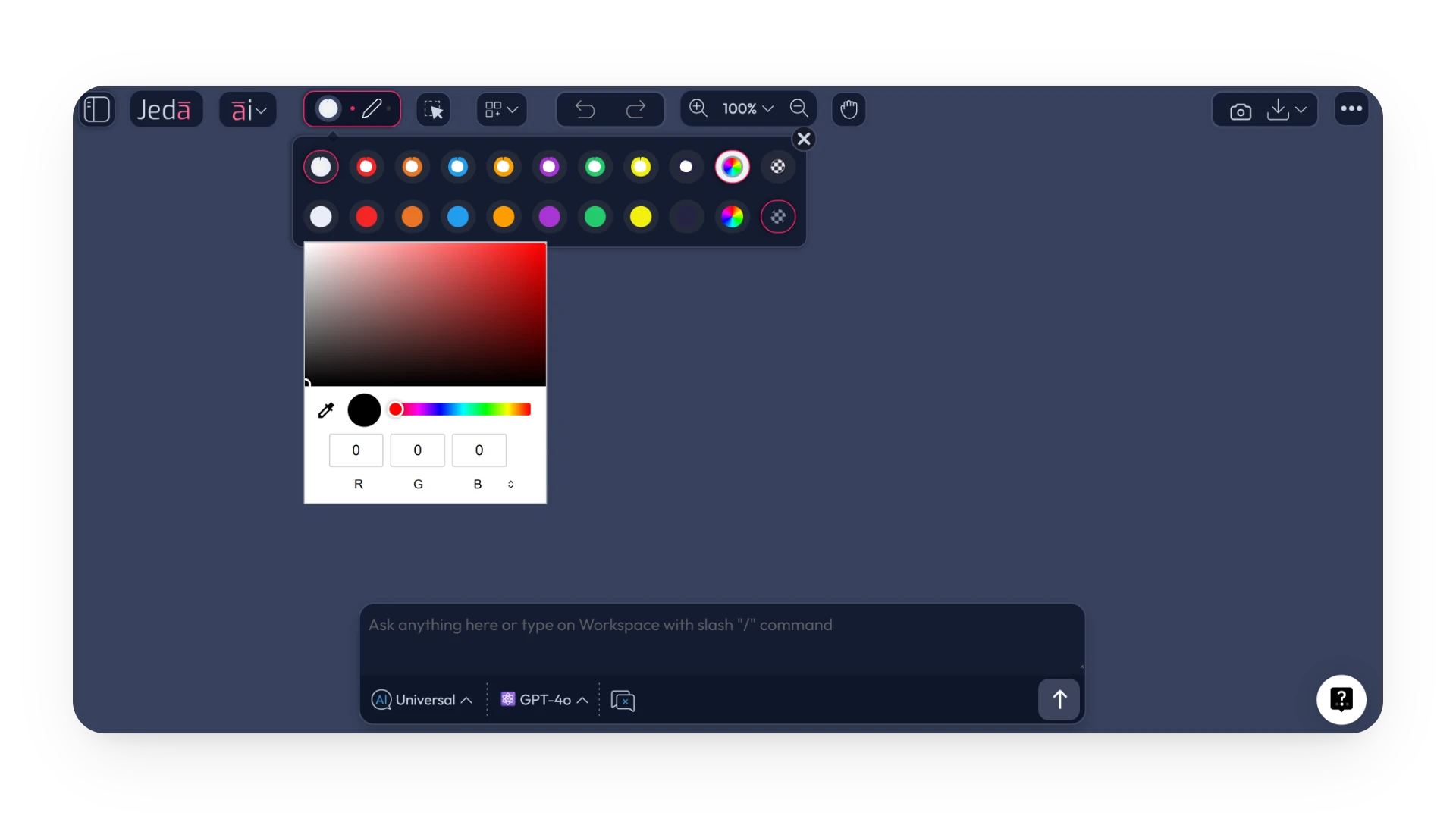
Color Wheel Integration
Like the other locations, color wheels have been integrated on the primary toolbar now, offering seamless color selection for all your visual tools.
Bugs, UX, and Performance
We’ve squashed minor bugs, polished interface interactions, and upgraded performance so that every action on the canvas feels smooth, responsive, and reliable.
FAQ
- How do I use the new AI recipe search?
- Simply type in your query, and the matching text in recipes will be highlighted, allowing you to quickly identify and select the recipe you need.
- Can I customize connectors in mind maps?
- Yes, you can now choose line types, colors, and thicknesses to better represent relationships and hierarchy.
- How do sticky notes work now?
- Sticky notes are now more seamless. Just click to type or press Ctrl + A to replace all content at once.
- What performance improvements have been made?
- We've enhanced the UX with smoother interactions, faster performance, and resolved minor bugs to make the canvas feel more responsive.
Wrapping Up
Jeda.ai isn’t just about adding more tools, it’s about enhancing your capabilities:
Your ideas deserve to move as fast as you think them. With these capability upgrades, Jeda.ai keeps your workspace intuitive, powerful, and fully in sync with your creative process.
Supercharge Your Workflow
Explore these new features and improve your workflow with Jeda.ai today!
Start Now