Unleash the full potential of Jeda.ai with powerful new tools, AI models, and collaboration enhancements designed to streamline your workflow, boost your productivity, and supercharge your creative projects.
What's New in This Release?
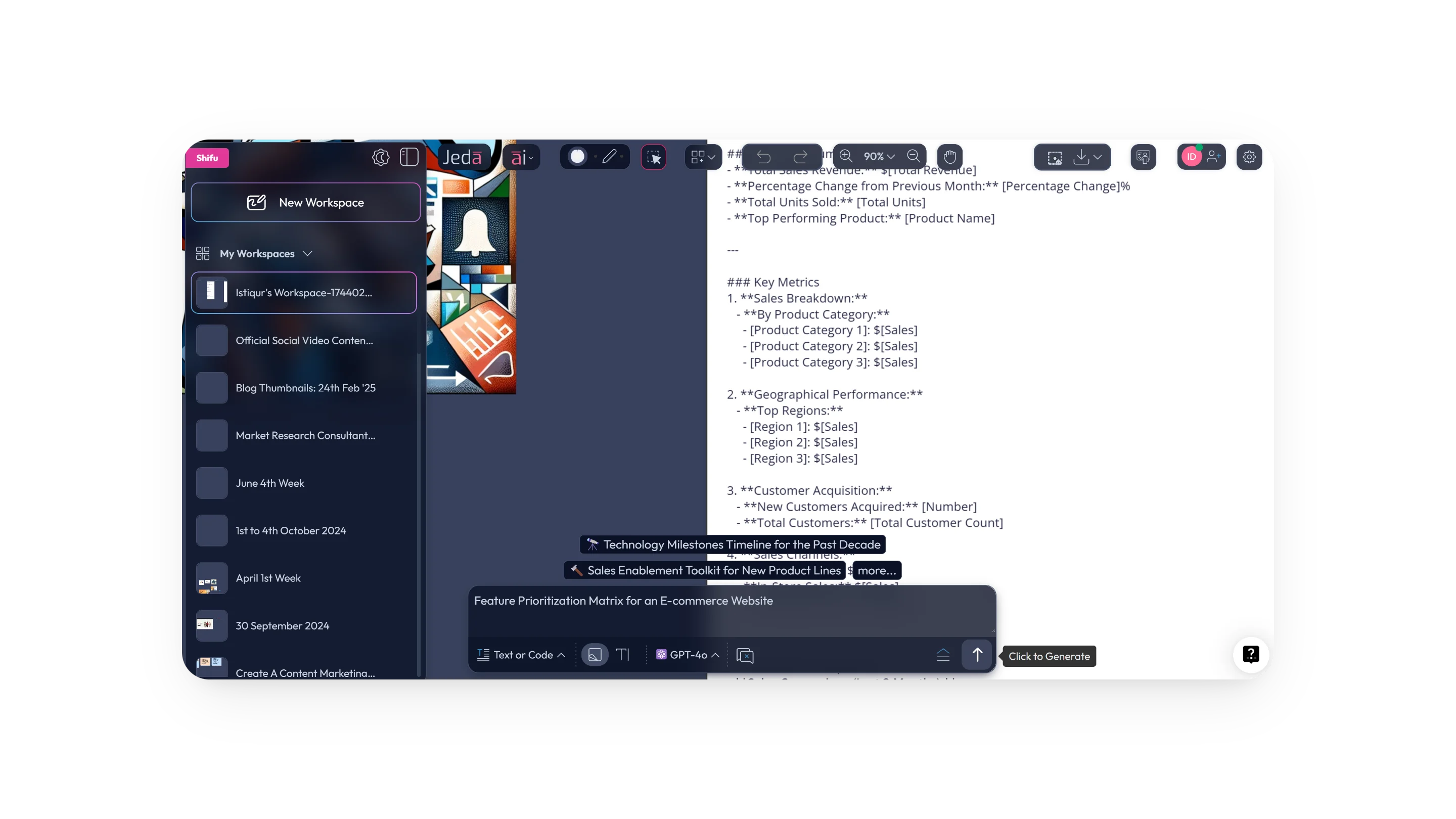
1. Quick AI Command Execution with Enter and Shift+Enter
Say goodbye to complicated inputs. Now, users can simply press Enter to run an AI command on the AI Prompt Bar. If your prompt is lengthy, use Shift+Enter to move to the next line. Your workflow just became smoother.
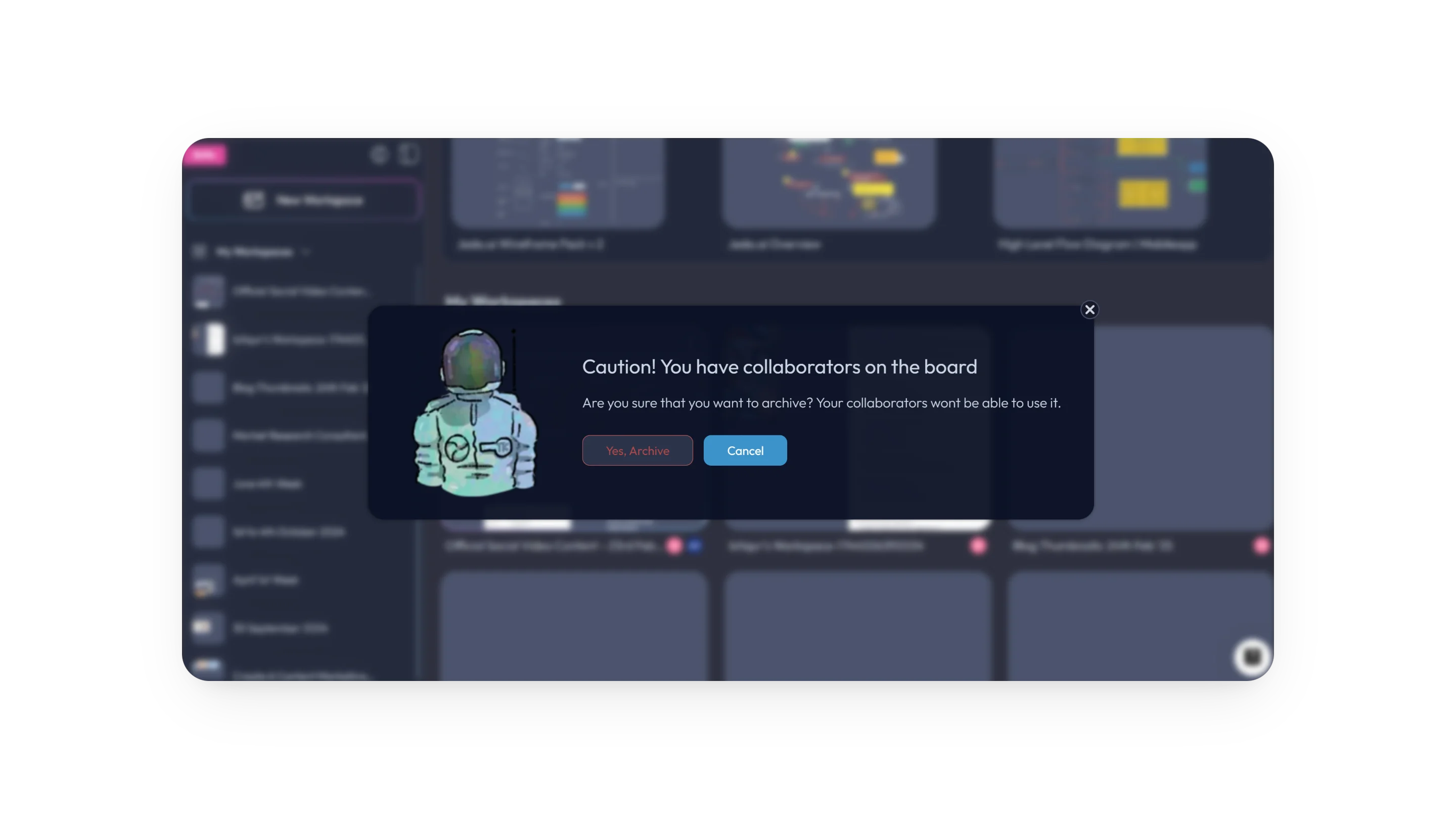
2. Archiving Workspaces with Collaborators Now Shows a Clearer Notice
A clear notice now appears when archiving workspaces that have collaborators, helping you stay aware of any active participants. You will also be notified if your workspace is published, making workspace management cleaner and easier to control.
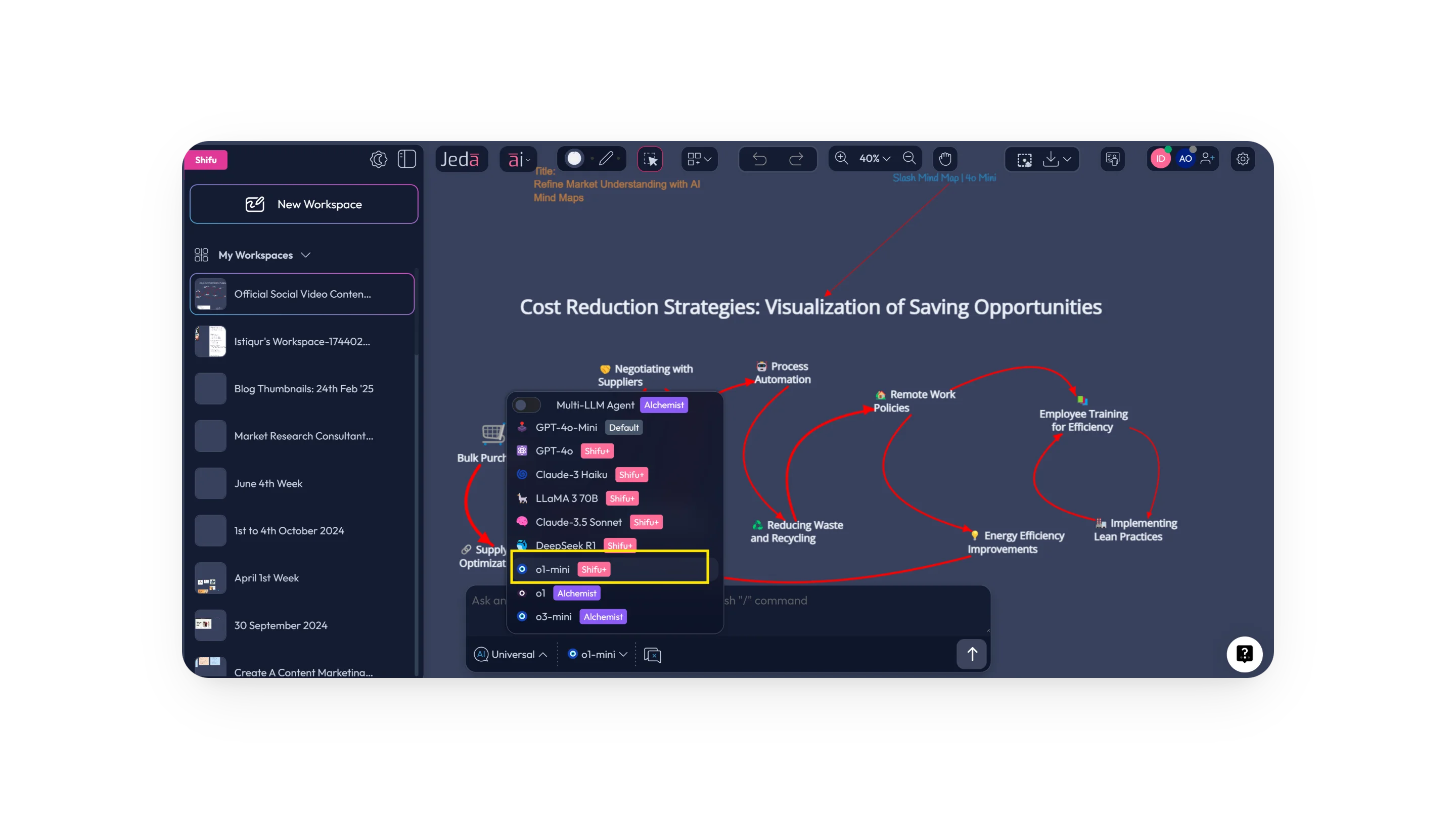
3. Next-Gen AI Models in Action
From fast-response to deep reasoning models, o1, o1-Mini, o3-mini, and DeepSeek R1 are now at your fingertips. Whether you're analyzing patterns or pressure-testing strategies, these models bring cognitive-level performance to your workspace.
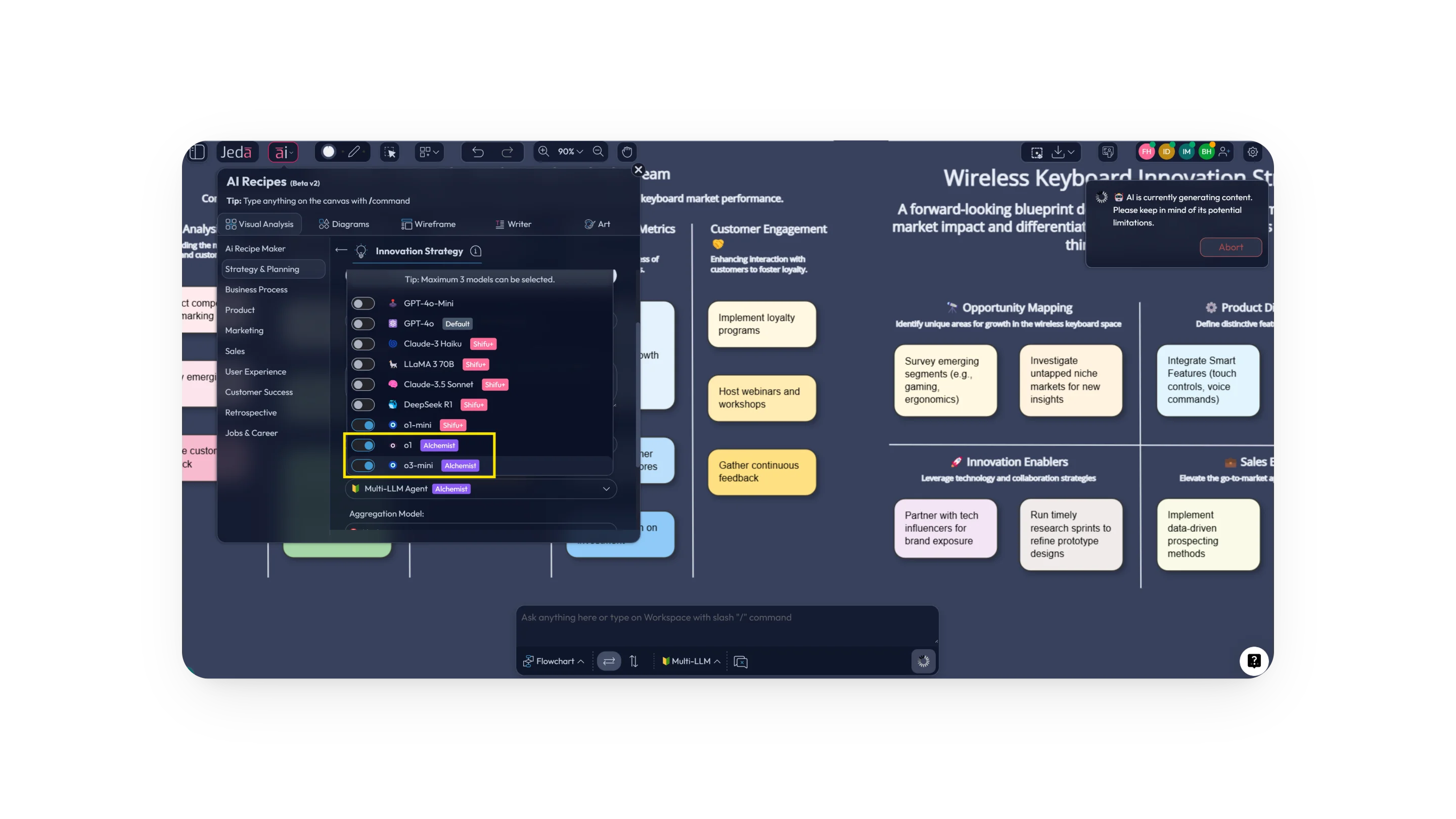
How to Use the New AI Models
- Use any AI command in Jeda.ai
Start with the command that fits the job you want to do inside the workspace.
- Input the details about your project or business
Add the context the model needs so the output is relevant to your task.
- Select the layout
Choose the layout that fits the selected AI command.
- Pick one or more AI models and hit Generate
Run the task with the model setup that matches the depth and speed you need.
4. Snap and Guide Is Disabled by Default
The Snap and Guide feature is now off by default in the workspace settings panel, giving you more freedom to design your workspace exactly as you like.
5. Infographic Arrives in AddOns
The AddOns menu now includes a new Infographic section. This makes it easier to add stunning, customizable infographics directly into your workspace.
How to Use the Infographic
- Visit the AddOns menu
Open AddOns and select the Infographic section.
- Insert an infographic
Click an item to place it into your workspace.
- Ungroup the infographic
Break the inserted infographic into editable parts.
- Edit it as you see fit
Customize the infographic to match your content and style.
6. Real-Time Collaboration Gets Enhanced Capacity and Performance
Collaboration is more powerful than ever. With higher capacity and enhanced performance, real-time collaboration on Jeda.ai now delivers a smoother and more responsive experience.
How to Collaborate in Real Time on Jeda.ai
Participants Menu
Participant Three Dots Menu
Click the three dots menu next to a participant to remove them or adjust their role in the workspace.
Guest Access
Follow Me Feature
Engage your collaborators with the Follow Me feature, where everyone in the workspace follows your actions, making presenting and guiding tasks easier.
- Open the Participants Menu
Set up access, share the workspace URL, and manage participant requests.
- Review participant controls
Use the three dots menu next to each participant to remove them or adjust their role.
- Bring in guests
Share the workspace URL so guests or logged-in users can request access.
- Use Follow Me when presenting
Guide collaborators through the workspace by having everyone follow your actions.
Frequently Asked Questions
- What changed in the AI Prompt Bar in this release?
- This release adds a simpler execution flow in the AI Prompt Bar. Press Enter to run the command, and use Shift+Enter when you need to continue writing a longer prompt on a new line.
- What happens if I archive a workspace that has collaborators?
- Jeda.ai now shows a clearer notice when a workspace has collaborators before it is archived. The release also adds a notification if the workspace is already published, so archiving decisions are more informed.
- Which AI models are highlighted in this feature release?
- The release highlights o1, o1-Mini, o3-mini, and DeepSeek R1. The blog positions them as models that support both fast responses and deeper reasoning for analysis, strategy work, and creative problem-solving.
- What changed with Snap and Guide?
- Snap and Guide is now disabled by default in the workspace settings panel. That gives users more flexibility when arranging elements freely, while still leaving the setting available when alignment assistance is needed.
- What is new in AddOns?
- A new Infographic section has been added to AddOns. Users can insert an infographic into the workspace, ungroup it, and edit the parts to suit their own presentation or visual communication needs.
- How does real-time collaboration improve in this update?
- The release describes higher capacity and stronger performance for real-time collaboration. It also reinforces supporting controls such as participant management, guest access, access requests, and the Follow Me feature for guided collaboration.
Wrapping Up
These updates are designed to transform the way you work and collaborate in Jeda.ai. Whether you're tapping into the power of new AI models, collaborating in real time, or creating stunning infographics, these features will boost your productivity and efficiency.
Log in today to explore these new features and enhance your creative journey.
Explore the Latest Jeda.ai Features
Log in to Jeda.ai and put these new AI models, infographic tools, and collaboration upgrades to work in your next workspace.
Log In to Jeda.ai