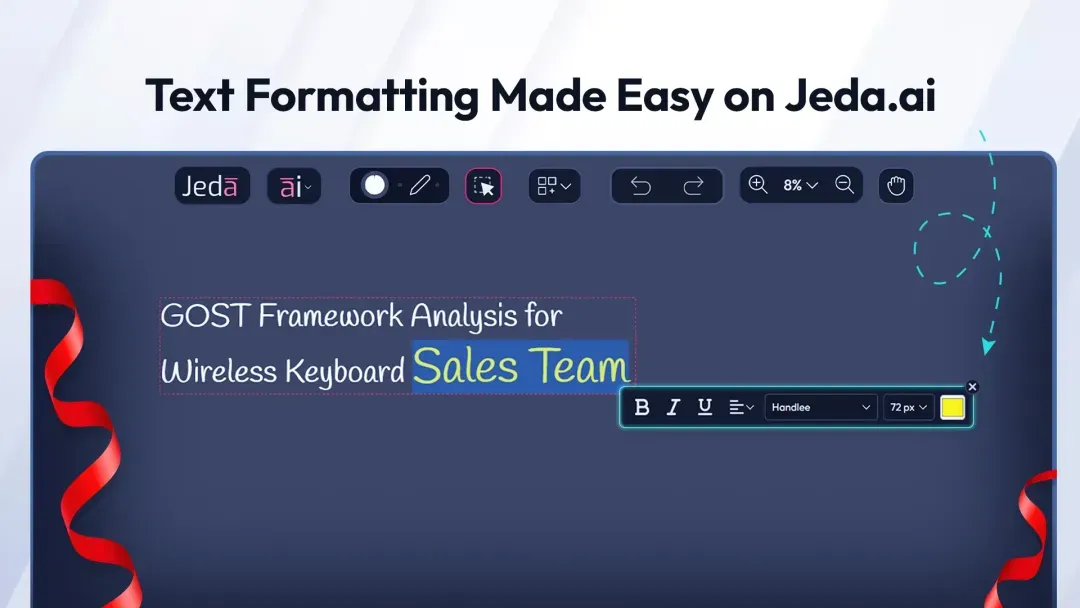
Jeda.ai is back with powerful new features and improvements, including input character limits, enhanced rich text editing, optimized workspace loading, and more. Explore these updates designed to improve your workflow and creativity.
What's New
1. Input Character Limits Based on User Plans
We’ve introduced input character limits for AI commands based on your user plan, helping keep performance smoother and resource management more efficient.
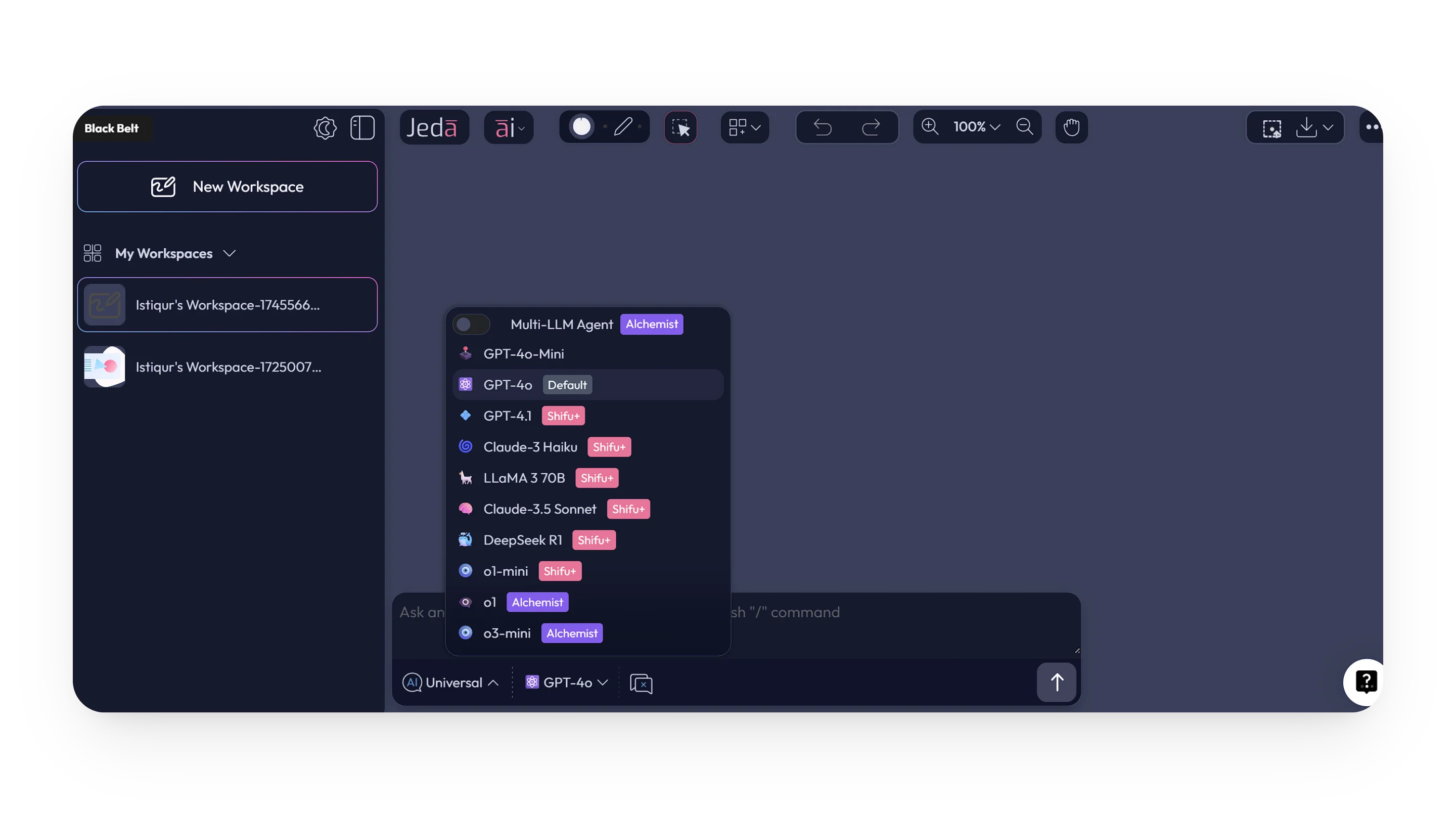
2. GPT-4o Now Available for Blackbelt Users
The GPT-4o AI model is now available to users on the Blackbelt plan, expanding access to a more capable model. Previously limited to higher plans, GPT-4o now joins GPT-4o-Mini in Blackbelt for more demanding tasks.
3. New Rich Text Editor Support
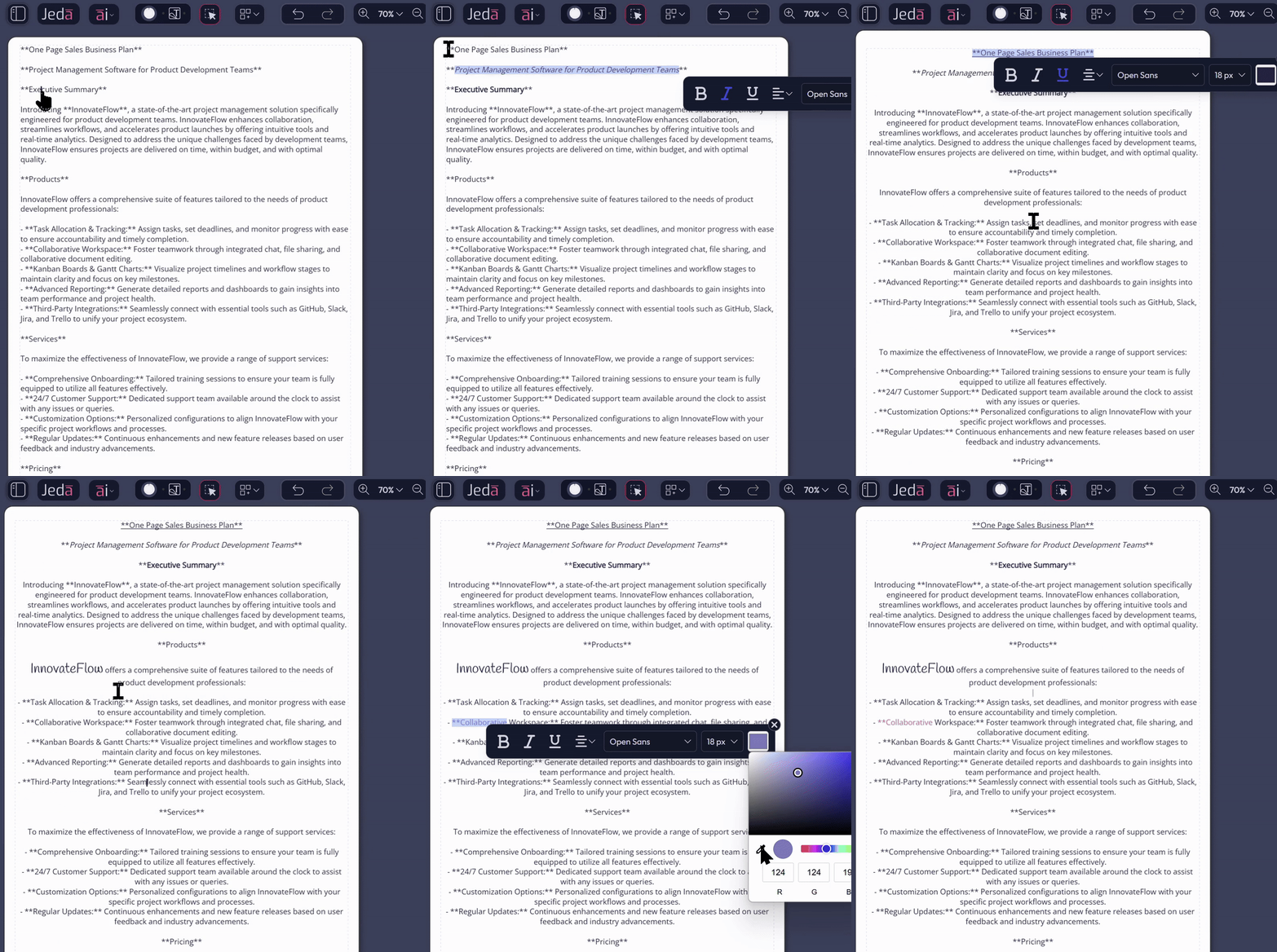
Jeda.ai now supports richer text formatting, so you can format selected parts of text without changing everything else. It gives you more flexibility and finer control over text content inside your visual work.
How to Access the Rich Text Toolbar
- Write or generate text-based visual content
Start with content on the canvas that contains editable text.
- Select the specific text you want to format
Choose the word, phrase, or section you want to change.
- Use the Rich Text Toolbar
Once the selection is active, the toolbar appears so you can apply formatting changes.
4. Warning Message on Clearing Chat Context
A new warning message now appears when clearing chat context, helping prevent accidental loss of important information and making the action more explicit before anything is removed.

5. Optimized Workspace Loading Time
Workspace loading has been improved when switching between large workspaces from the left side panel. The result is a faster and smoother experience, especially when moving through larger projects.
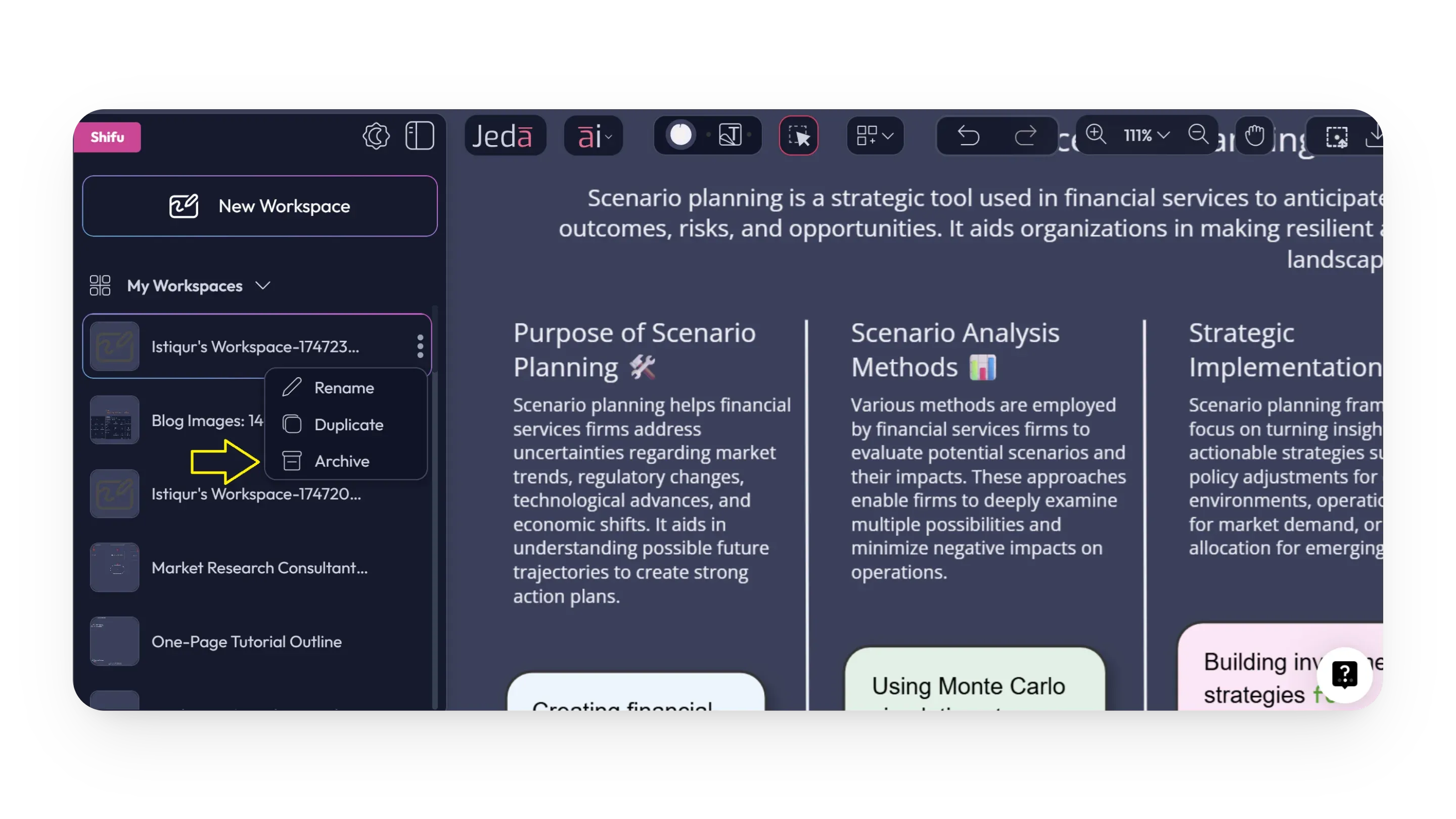
6. Archive Active Board from Navigation Menu
You can now archive your currently active board directly from the navigation menu. Previously, archiving required leaving the workspace first. Now it can be done while you are still inside it.
7. Tooltip Added to Theme Switch and Navigation Menu Buttons
Tooltips have been added to the theme switch and navigation menu collapse and expand buttons, making these controls easier to understand and more intuitive to use.
FAQ
- What are the new input character limits in Jeda.ai?
- The new limits depend on the user plan. Whitebelt and Blackbelt support up to 16k characters, Shifu supports up to 60k, and Alchemist supports up to 100k characters for AI commands.
- Which users can now access GPT-4o?
- GPT-4o is now available to Blackbelt users. It joins GPT-4o-Mini in that plan, giving Blackbelt users access to a stronger model for more demanding work without moving to a higher plan.
- How do I use the Rich Text Toolbar?
- Write or generate content that contains text, select the specific word, phrase, or section you want to format, and the Rich Text Toolbar will appear so you can apply the formatting you need.
- What formatting options are available in the new Rich Text Editor?
- The toolbar lets you change font family, size, and alignment, apply bold, italic, or underline styles, use a new color picker with HEX, RGB, and HSL inputs, and pick colors with the Eyedropper Tool.
- What changed when clearing chat context?
- Jeda.ai now shows a warning message before chat context is cleared. This helps prevent accidental removal of important information by making the action more obvious before it goes through.
- What workspace and navigation improvements are included in this release?
- This release improves loading time when switching between large workspaces, lets you archive the active board directly from the navigation menu, and adds tooltips to theme and navigation menu buttons for clearer use.
Wrapping Up
These updates continue improving the Jeda.ai experience in practical ways. From plan-based input character limits to richer text formatting, faster workspace switching, clearer warnings, easier archiving, and better button guidance, the focus here is simple: more control, less friction.
Explore the Latest Jeda.ai Improvements
See how richer text editing, smarter plan limits, and faster workspace actions can make your daily work smoother.
Explore Jeda.ai