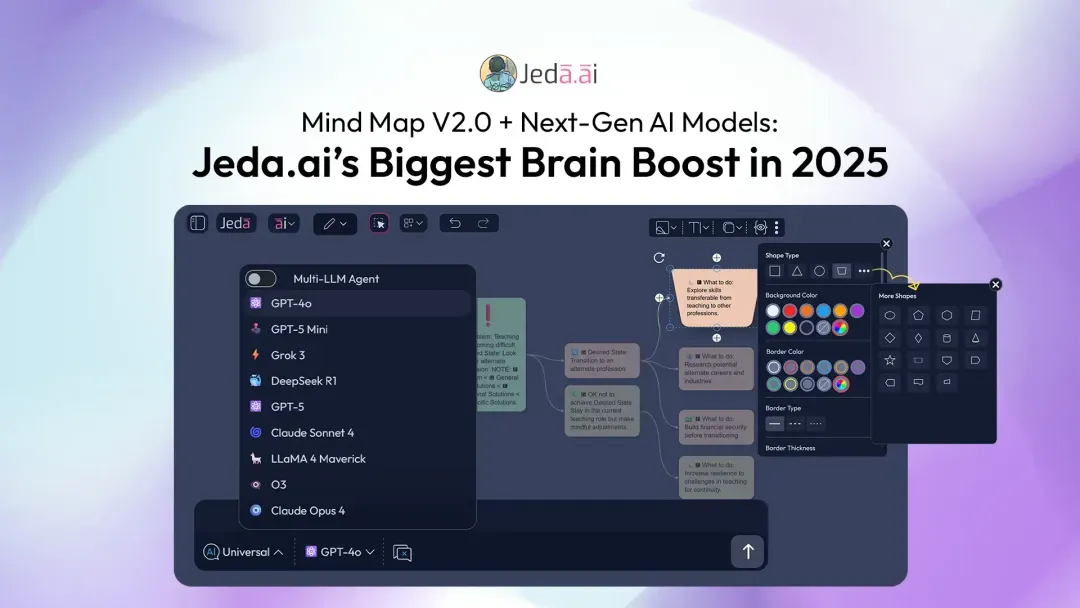
Advanced AI Models
We’ve expanded our capabilities, so you can pick the right brain for the job.
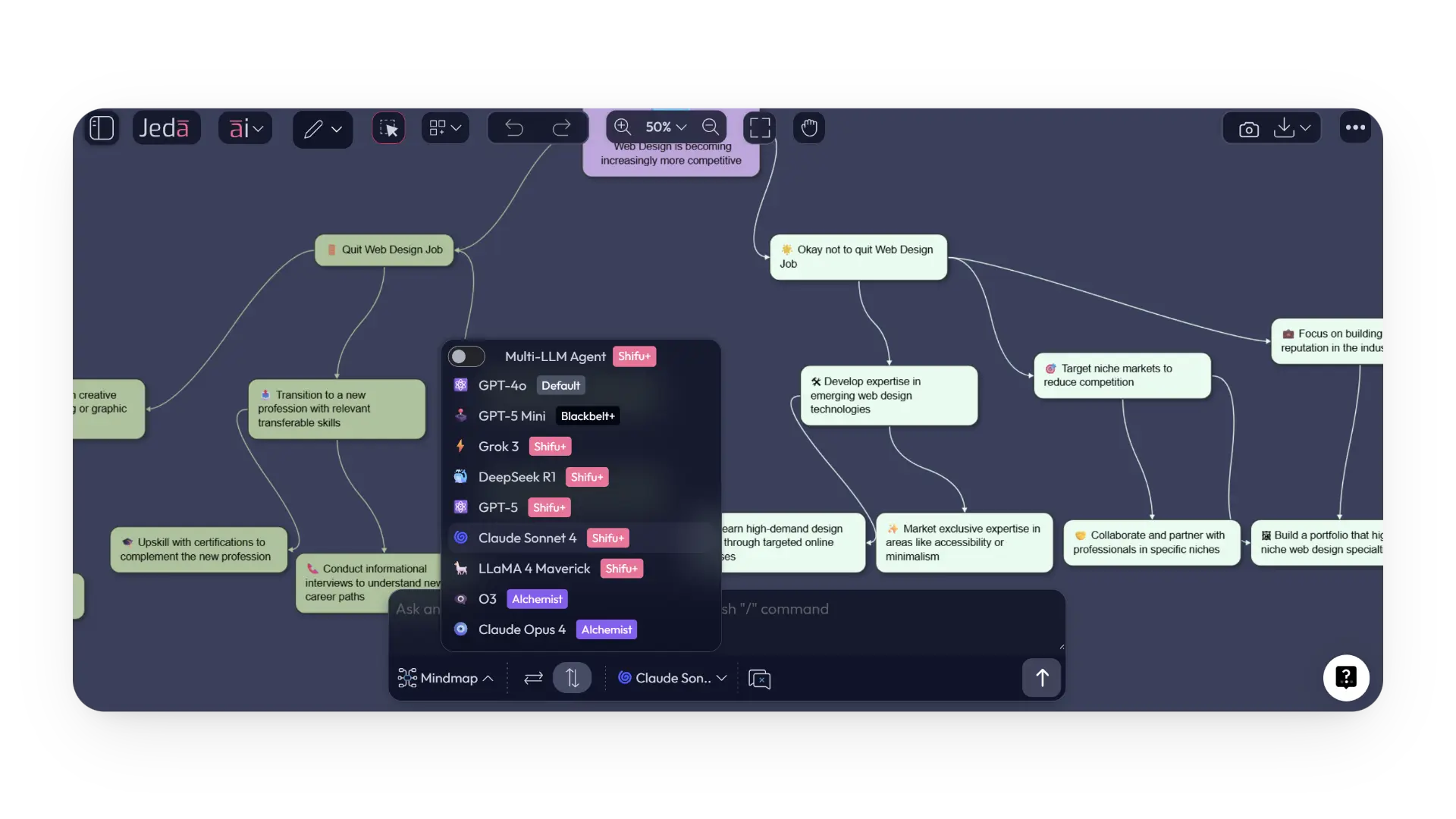
Mind Map V2.0 (and Flowcharts): Natural Diagramming
Welcome to the draw-what-you-mean era.
Learn more about Jeda.ai’s Smarter Mindmapping and Powerful New Capabilities.
Shape Controls (for mind map, flowchart, sticky notes)
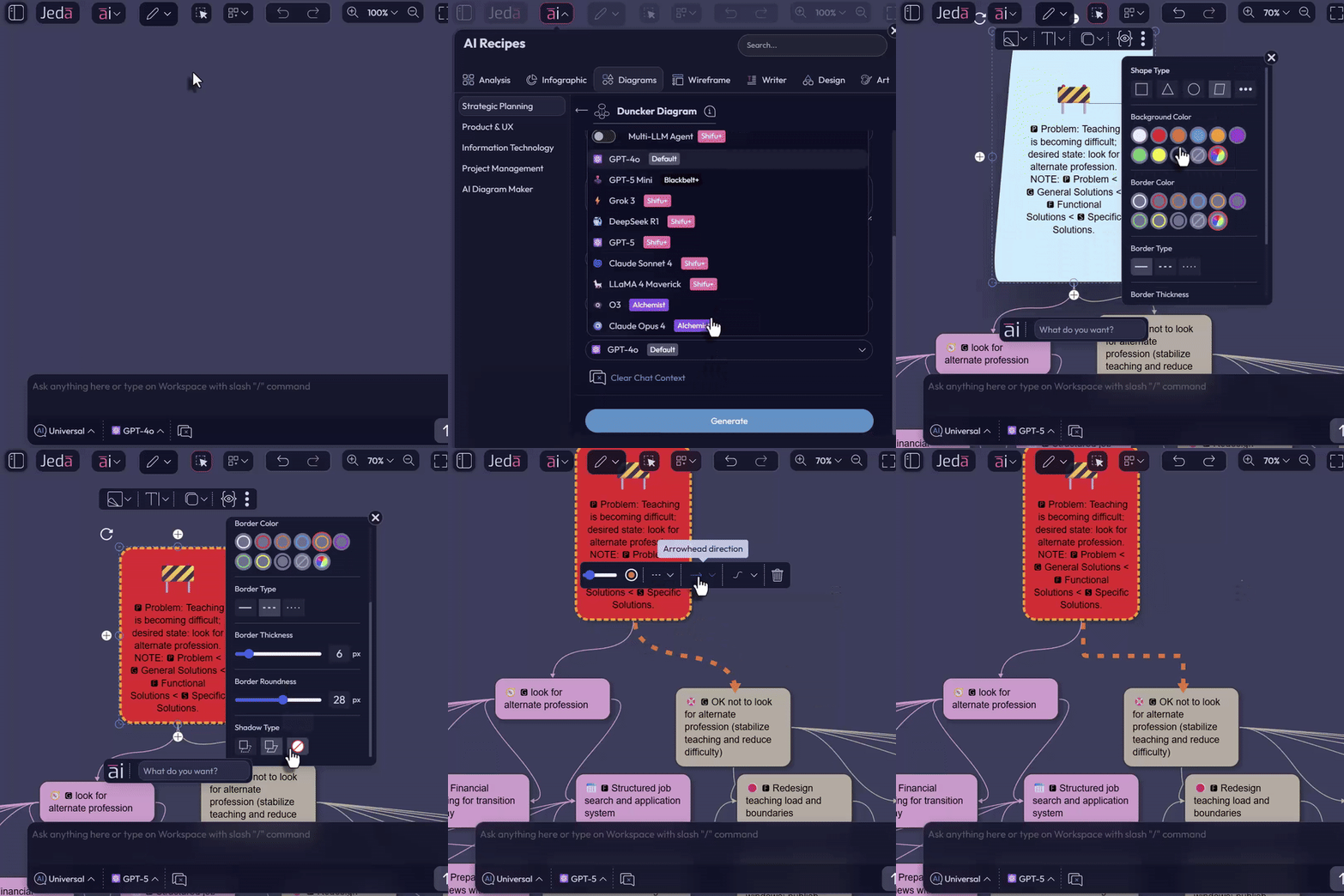
Connector Edit Panel
It’s all inline, discoverable, and fast. These mind maps keep up with your thinking.
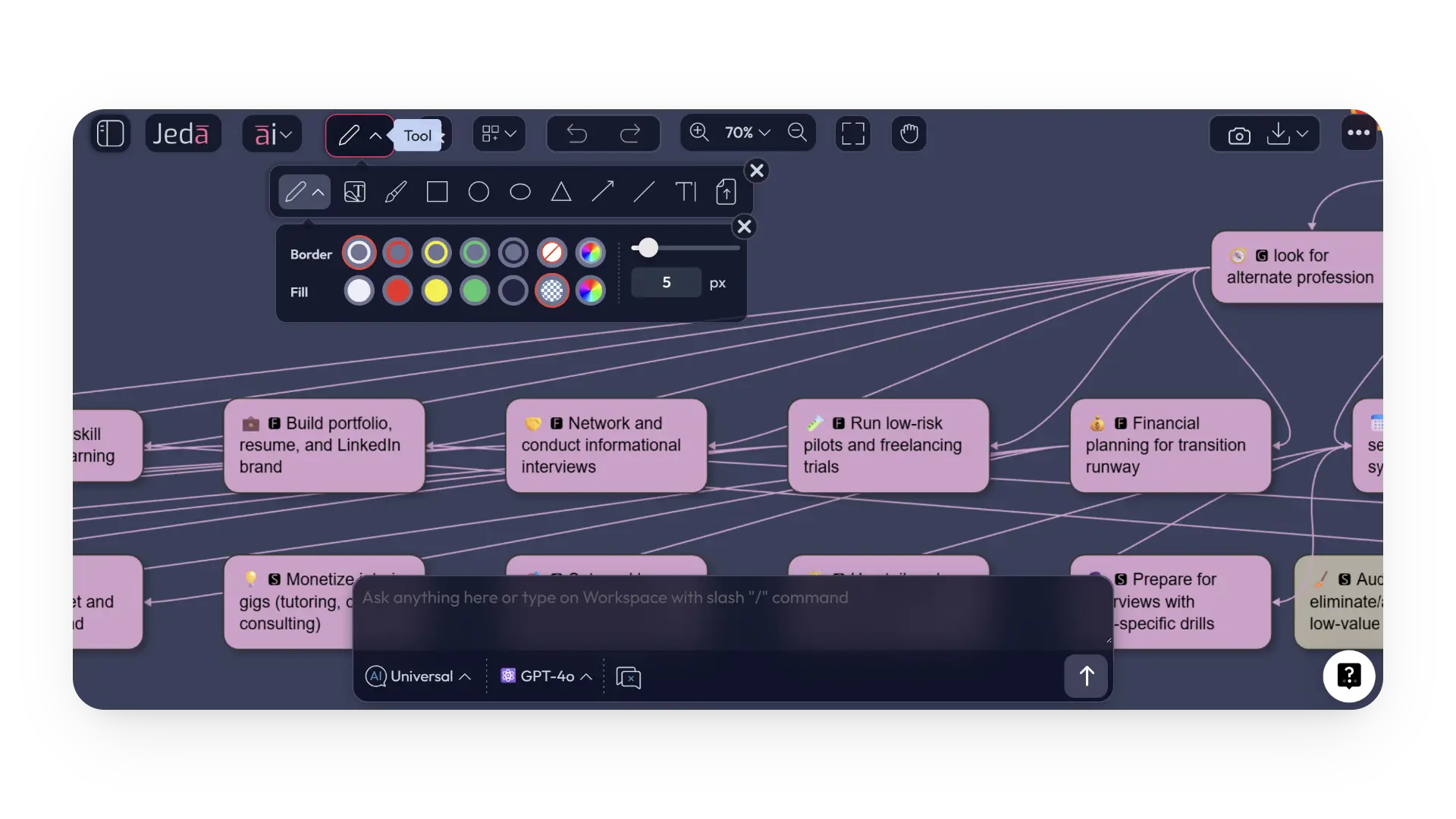
Toolbar Refresh
A cleaner, tighter toolbar with a new thickness controller and color picker.
Less hunting, more doing.
Fit & Finish
- Bug fixes and performance upgrades for snappier interactions.
- AI Recipe improvements for smoother prompts and better strategy and planning.
Quick Start
- Spin up a mind map
Drop a central idea, add children, and style shapes and connectors as you go.
- Switch LLMs on demand
Choose GPT-5 Mini for speed, then jump to GPT-5, Claude, or DeepSeek for tougher reasoning.
- Create on-brand images
Use GPT-Image-1 for visuals with accurate text and design compliance.
Why It Matters
Clarity leads to faster growth.
Mind Map V2.0 gives you structure without friction. The new large language models give you power without complexity.
Together, you think and ship at executive speed.
FAQ
- What is included in this Jeda.ai feature release?
- This release combines two major updates: expanded AI model availability across plans and the re-engineered Mind Map V2.0 with upgraded shape, connector, and toolbar controls.
- Which plan includes Claude Opus 4 and O3?
- Claude Opus 4 and O3 are included in the Alchemist plan.
- What can I customize in Mind Map V2.0?
- You can customize shapes, background and border colors, border styles, border thickness, radius, shadows, connector thickness, connector color, line types, arrowhead direction, and path types.
- Does Mind Map V2.0 also support flowcharts and sticky notes?
- Yes. The release specifically notes shape controls for mind maps, flowcharts, and sticky notes.
- Which image model is highlighted in this release?
- GPT-Image-1 remains the text-accurate, design-faithful image generator for art workflows in this release.
Wrapping Up
Log in to try Mind Map V2.0 and the new model lineup today. Your ideas deserve a better upgrade.
Try Mind Map V2.0 and the New AI Model Lineup
Explore natural diagramming, stronger reasoning, and faster creation inside one AI Workspace.
Get Started