We’re excited to announce several new features and improvements to Jeda.ai designed to elevate your user experience, streamline your workflow, and boost productivity. Whether you’re using the new Text or Code command or navigating the refreshed interface, these updates are built to make your experience smoother and more efficient.
What's New in This Release
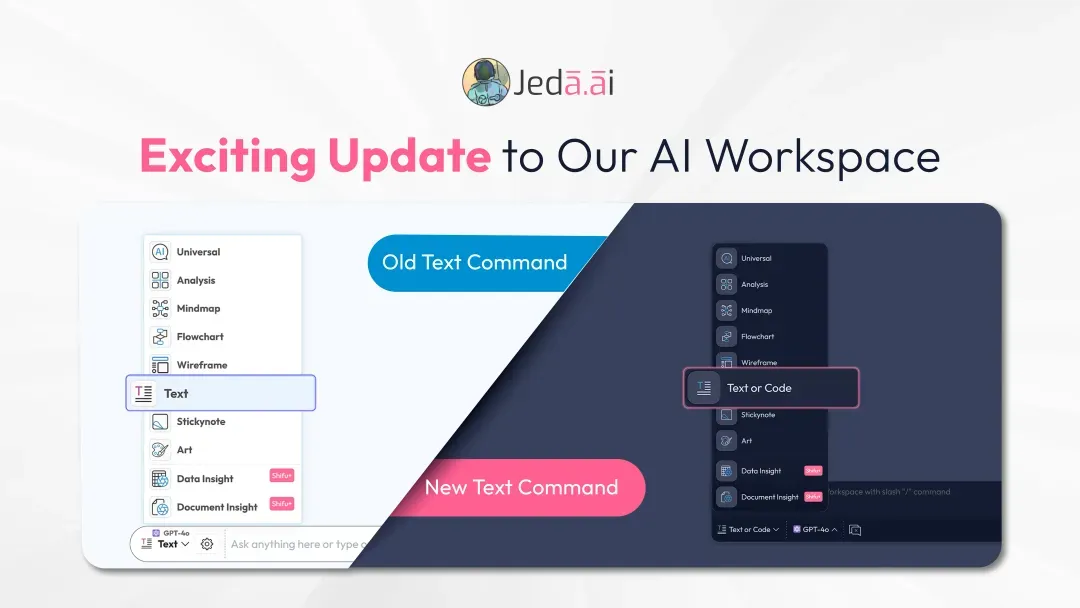
AI Text Command Republished as "Text or Code"
The AI Text Command has been revamped to give users more flexibility. Now called Text or Code, the command supports both text-based and code-based inputs more easily, making it a more versatile part of the Jeda.ai workflow.
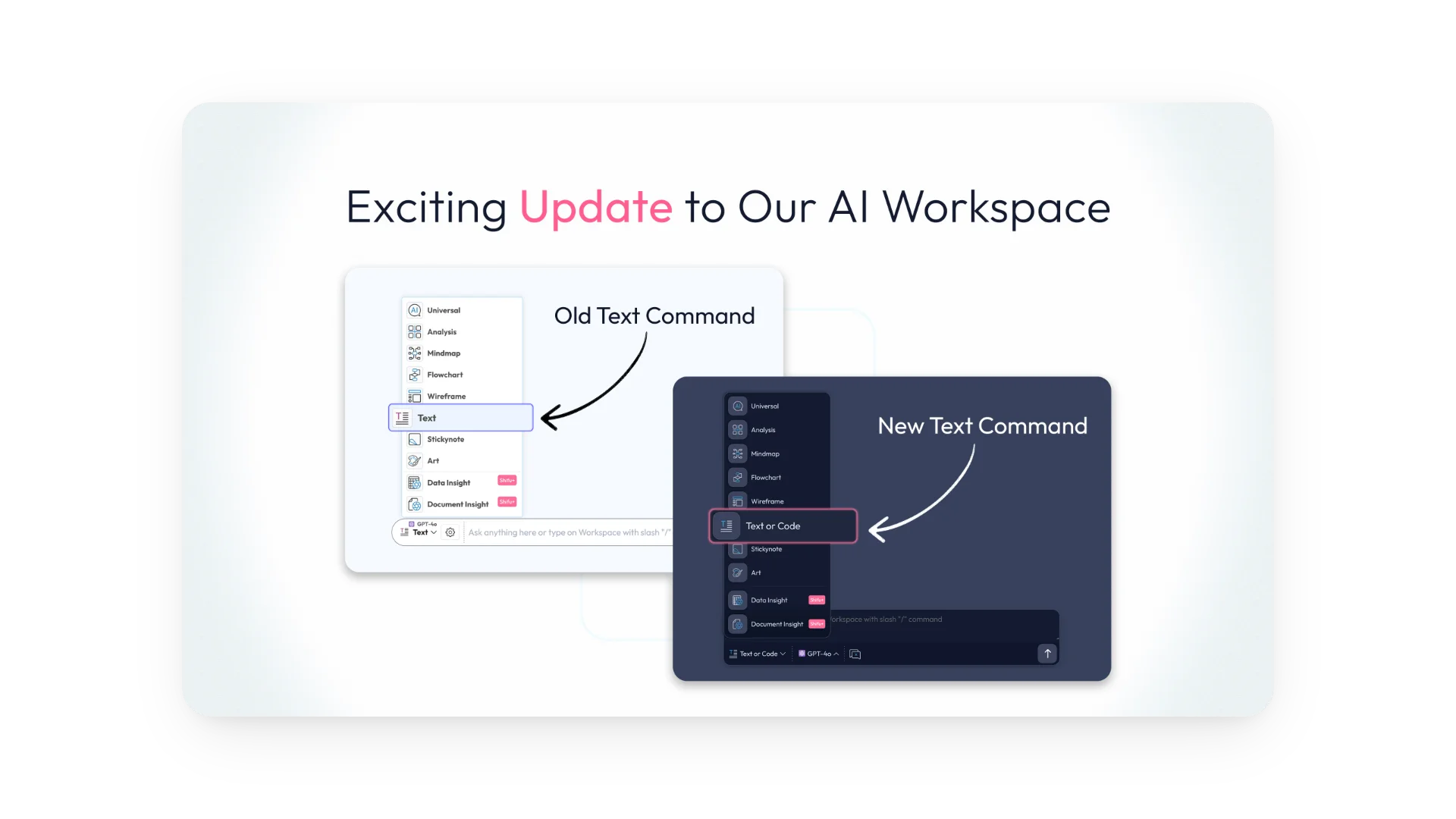
How to Use the "Text or Code" Command
- Write your prompt
Enter your prompt in the AI Prompt Bar.
- Select a layout
Choose either the Document layout or the Text layout.
- Choose AI models
Select one or more AI models, including DeepSeek R1.
- Optionally refine the prompt
Use the Dynamic Prompt feature if you want to fine-tune your input before generating.
- Run the command
Generate your output once everything is set.
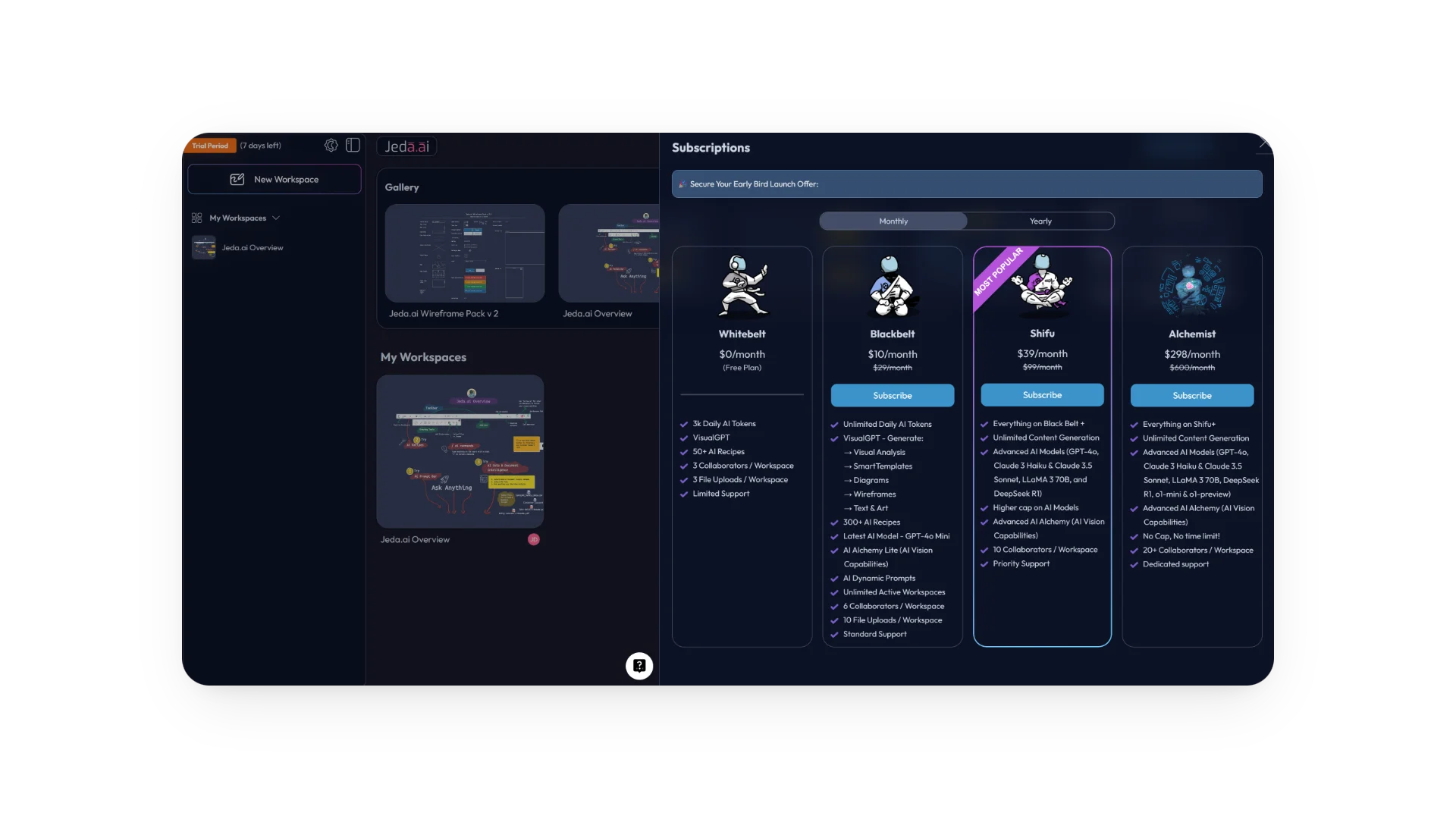
New Design for Plan Upgrade Panel and Button Positioning
The plan upgrade side panel has been redesigned, and the Upgrade button has been repositioned for better visibility and easier access. Managing account plans is now more straightforward inside the workspace.
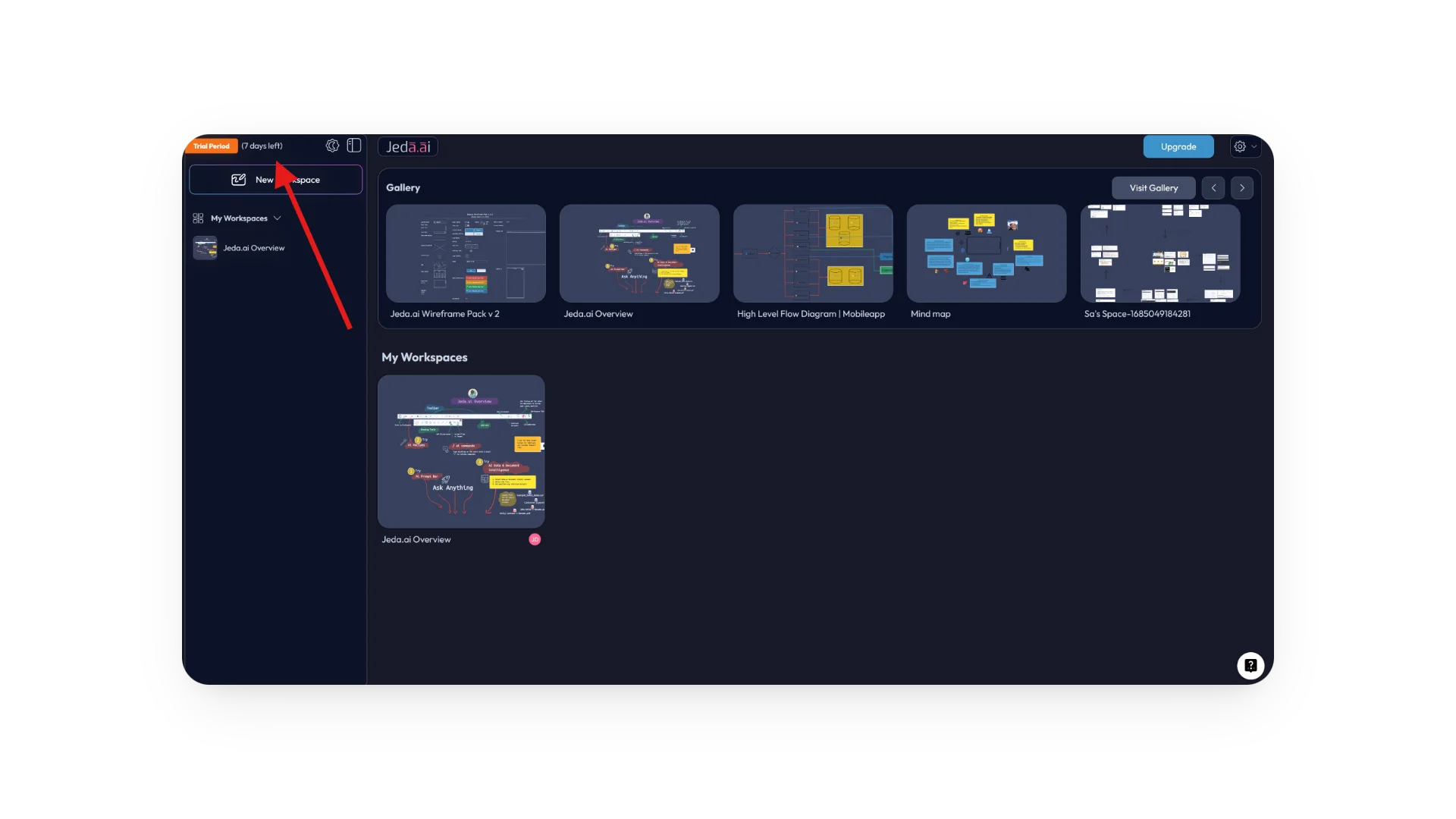
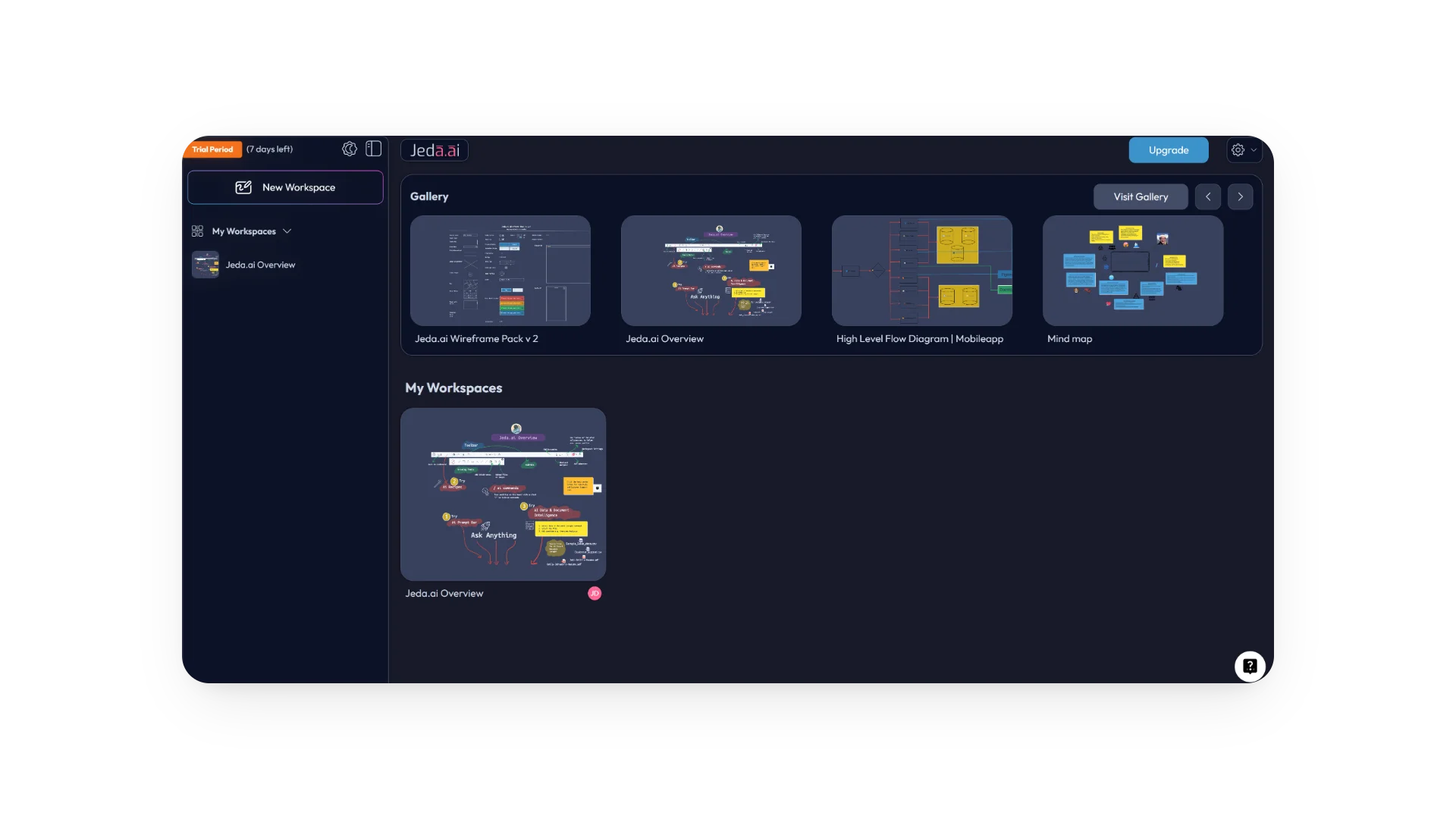
Trial Account Day Countdown
Trial account users can now see how many days remain in their trial period without needing to search around the interface.
How to Check Trial Day Count
- Open your workspace.
- Look at the top left corner.
- Check the area beside the trial account badge to see the remaining trial days.
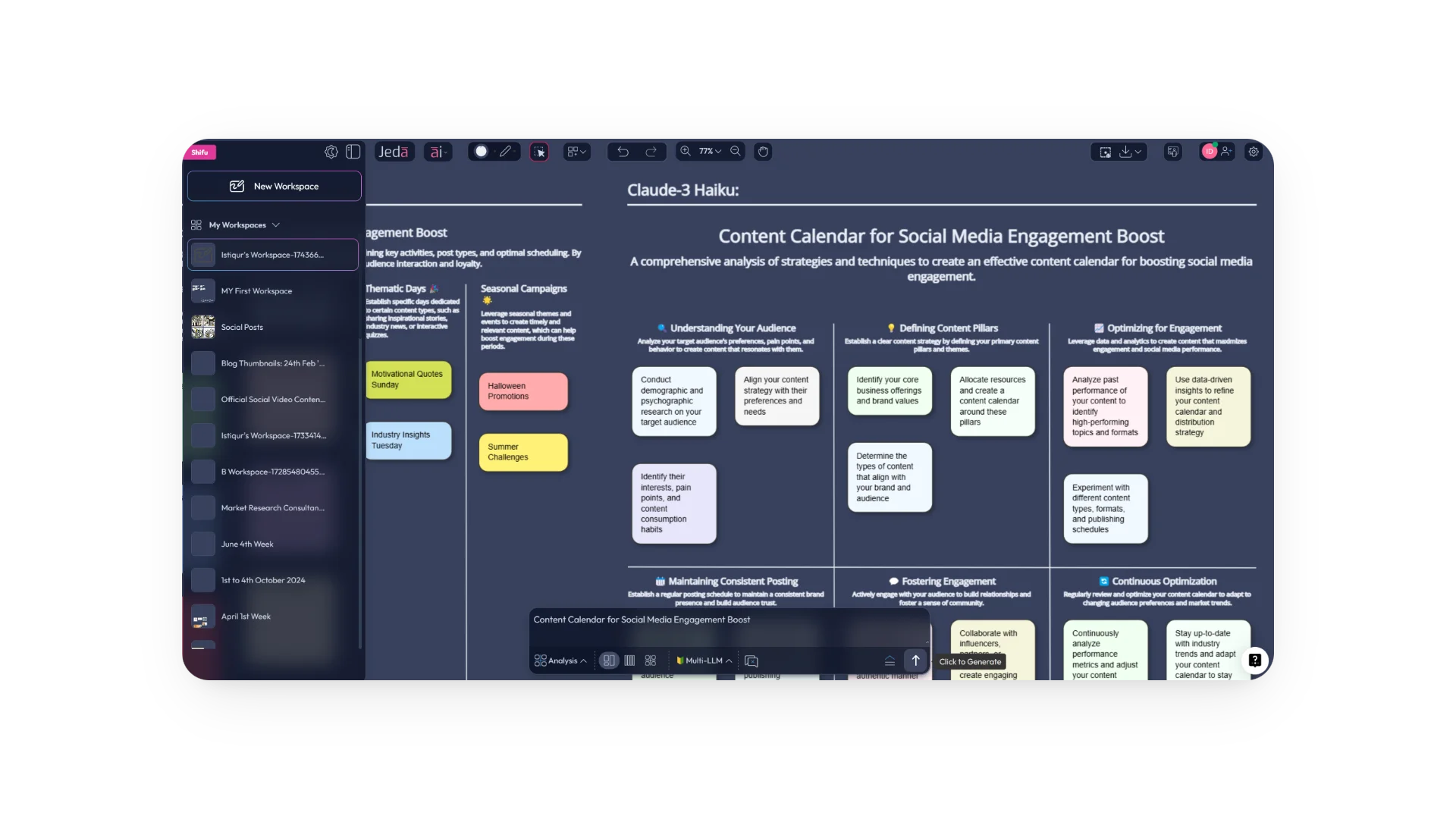
Redesigned Elements
Several AI elements have been redesigned to improve both the visual experience and day-to-day usability. The updated look is intended to feel sleeker, cleaner, and more intuitive across the platform.
Titles Added to Gallery Thumbnails
In the updated Dashboard Gallery Carousel, gallery thumbnails now display titles. This makes it easier to identify visual assets at a glance.
Bug Fixes and Performance Enhancements
Alongside the visible feature updates, this release also includes bug fixes and performance tuning to deliver a smoother and more reliable experience across Jeda.ai.
Frequently Asked Questions
- What changed with the AI Text Command in Jeda.ai?
- The AI Text Command has been republished as Text or Code. It now supports both text-based and code-based inputs more flexibly while keeping the same general workflow through the AI Prompt Bar.
- How do I use the Text or Code command?
- Write your prompt in the AI Prompt Bar, choose either Document or Text as the layout, select one or more AI models, optionally refine the prompt with Dynamic Prompt, and then run the command.
- Can I access Text or Code outside the main prompt flow?
- Yes. The release notes that you can also use Text or Code through the quick command flow or with the transformative AI Alchemy command for a smoother workflow.
- Where can trial users see how many days are left?
- Trial users can see the remaining day count at the top left corner of the workspace, right beside the trial account badge. It is designed to make trial visibility immediate and convenient.
- What was updated in the plan upgrade area?
- Jeda.ai introduced a redesigned plan upgrade side panel and repositioned the Upgrade button for better visibility and easier access, making plan management simpler inside the product interface.
- What changed in the Dashboard Gallery Carousel?
- Gallery thumbnails now display titles in the updated Dashboard Gallery Carousel. This helps users identify their visual assets faster without having to rely only on thumbnail imagery.
- Does this release include only visual changes?
- No. In addition to interface updates such as redesigned elements and titled gallery thumbnails, the release also includes bug fixes and performance enhancements for a smoother and more reliable platform experience.
Wrapping Up
At Jeda.ai, we’re continuously improving the platform to make your workflow more efficient and your experience more intuitive. With these updates, you get more flexible AI input options, cleaner interface elements, and a more reliable platform overall. Log in to explore the latest improvements and see how they support your work.
Stay tuned for more updates as we continue to improve Jeda.ai.
Explore the Latest Jeda.ai Updates
Try Text or Code, review the refreshed interface, and experience the newest workflow improvements inside Jeda.ai.
Open Jeda.ai