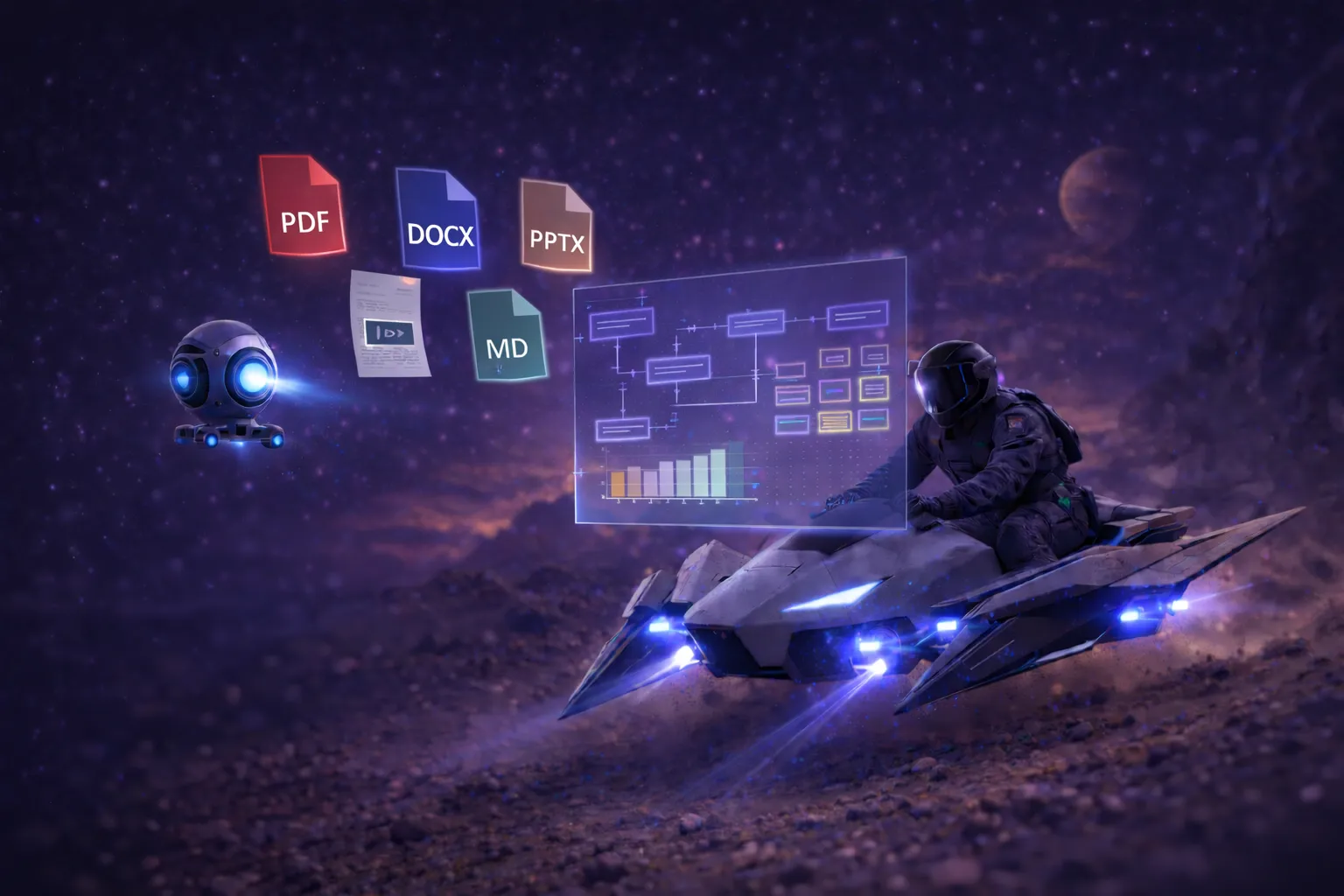
Text walls
Text summaries can make relationships difficult to review.
Visual document analysis turns source material into editable frameworks. Use the canvas to check findings and relationships with your team.
Read the visual document analysis guide for ways to turn dense PDFs into shared decisions.
Turn document findings into visual frameworks. Review relationships, check the source material, and discuss open questions with your team.Use document summarization AI to draft a visual overview. Check findings against the source and discuss relationships and gaps with your team.
The Multi-LLM Agent compares interpretations of your document. The Aggregator selects an output to organize as a mind map, flowchart, diagram, or matrix. Review the findings and structure against the source.
Use visual frameworks to organize research findings and process steps. Edit the output with your team on the AI Whiteboard and check it against the source document.
Use an AI document analysis tool to organize findings as visual frameworks. Check document intelligence AI suggestions against the source before your team draws conclusions.
An AI document analyzer turns source material into mind maps, flowcharts, and matrices. Visual Knowledge Extraction makes concepts and their relationships available for team review.
Use collaborative document review to challenge findings on the canvas. Check the evidence, record open questions, and keep people responsible for team-based document decisions.
Choose document to mind map for research themes, document to flowchart for process steps, or document to matrix for strategy questions. Review each structure against your source.
The Multi-LLM Agent compares model interpretations of your document. The Aggregator selects an output for your team to review and refine.
Document→mind map? Transform it into a flowchart. Flowchart needs to become a matrix? One command. Matrix should become a diagram? Vision Transform handles it. Select a document-generated visual and change its format without starting over. Reuse analysis work.
A full AI powerhouse — the most powerful language, reasoning, and image models packed together for every use case. Jeda.ai's Multi-LLM Agent runs multiple models simultaneously, picks the best output, and delivers smarter results than any single model alone.
Start with PDF and Word upload, or choose a PowerPoint, Markdown, TXT, or RTF file. Request document structure extraction and key concept extraction around the question you need to answer, then check the result against your file.
PDF, Word, PPT, MD, TXT, RTF
Upload your document
Drop your document here
The Multi-LLM Agent compares interpretations through multi-model document reasoning. Review the aggregator-selected output against the source, especially where models interpret a technical detail differently.
Parallel analysis
Selected response
Use PDF to mind map AI to organize research themes, or PDF to flowchart AI to draft a process. Choose document to diagram when relationships matter more than sequence, then edit the output to match your source.
No templates needed
Content drives output
Review editable visual output on a visual summary canvas. Use AI Extend for document sections that need more detail: section-specific analysis lets you deepen a branch and check its new findings against the original text.
Deepen any section
Smart shapes, live editing
Use presentation-ready SVG export to bring reviewed findings into a deck. Import the SVG into PowerPoint for PowerPoint-ready visuals, or download PNG or PDF for sharing.
PowerPoint integration
PNG, SVG, PDF
Jeda.ai Multi-LLM Agent compares model interpretations and presents a structured output on a visual canvas for your team to validate and refine.
Powered by Jeda.ai's Patented Visual Intelligence Engine.
The Multi-LLM Agent compares model interpretations of your document. Review the selected analysis against the source, with attention to context and technical details.
Use web search supplemented analysis to add context to a report. Review web findings separately from the uploaded document so your team can distinguish its original evidence from later information.
Convert a document-generated mind map into a flowchart. Transform a flowchart into a matrix. Change a diagram into a wireframe. Select a document-generated visual and switch formats. Reuse analysis work. Infinite visual expression from one document analysis.
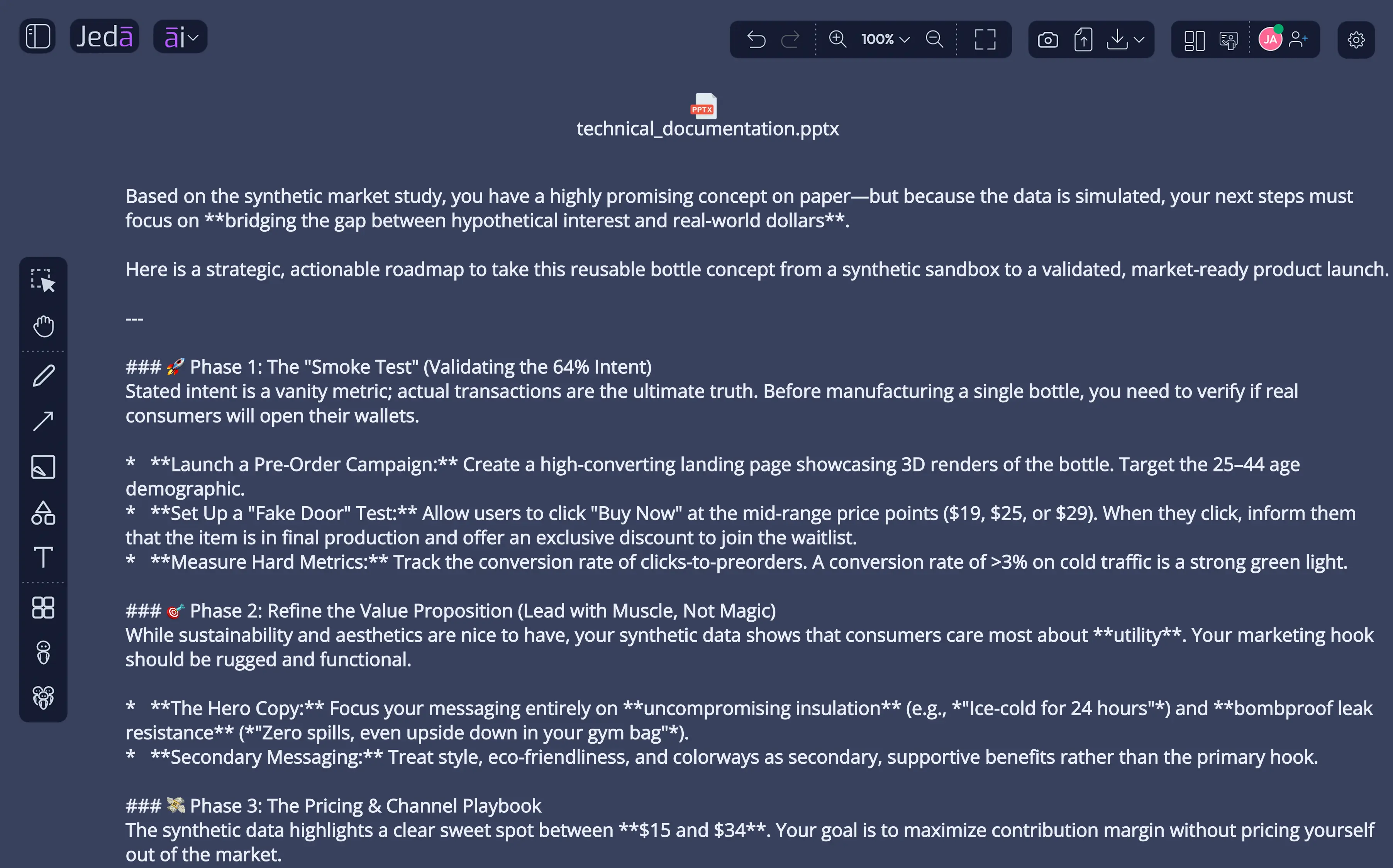
Your document generates a mind map. You want one branch deeper. Select that section and AI Extend expands it automatically—pulling more information from the document to deepen that specific area. Selective deepening maintains design consistency while scaling insight.
Use business analyst document review to organize business logic from proposals. A proposal analysis workflow turns requirements into a matrix your team can check against the client's brief.
Use strategy consultant research synthesis for business report analysis. Organize annual-report findings in SWOT or BCG frameworks, then review the evidence and assumptions with the client team.
Use research paper analysis AI to organize methods and findings for a researcher literature review. Build a research synthesis workflow around a mind map, checking each conclusion against its paper.
For multi-document analysis, review separately generated summaries of product specs and user research together on the canvas. Compare sources yourself before drafting a roadmap or feature matrix.
Use contract analysis AI to organize clauses in a contract review workflow. Legal team document review must check obligations against the original agreement; the visual is a review aid, and qualified reviewers make legal judgments.
Use technical document analysis for technical specification mapping. Organize component dependencies in a system diagram and check each relationship against the engineering documentation.
Text summaries. Buried insights. Analysis paralysis.
Text summaries can make relationships difficult to review.
Processing text takes time. Your brain is forced to read line by line instead of seeing the big picture.
Generic AI lacks centuries of knowledge synthesis and research methodology.
Review model interpretations for missing context and domain-specific nuances.
AI dictates the answer in a chat box where teams can't easily challenge or refine the output.
Manually extracting insights from 50+ page documents takes hours of intense focus.
Visual frameworks for shared review and decisions
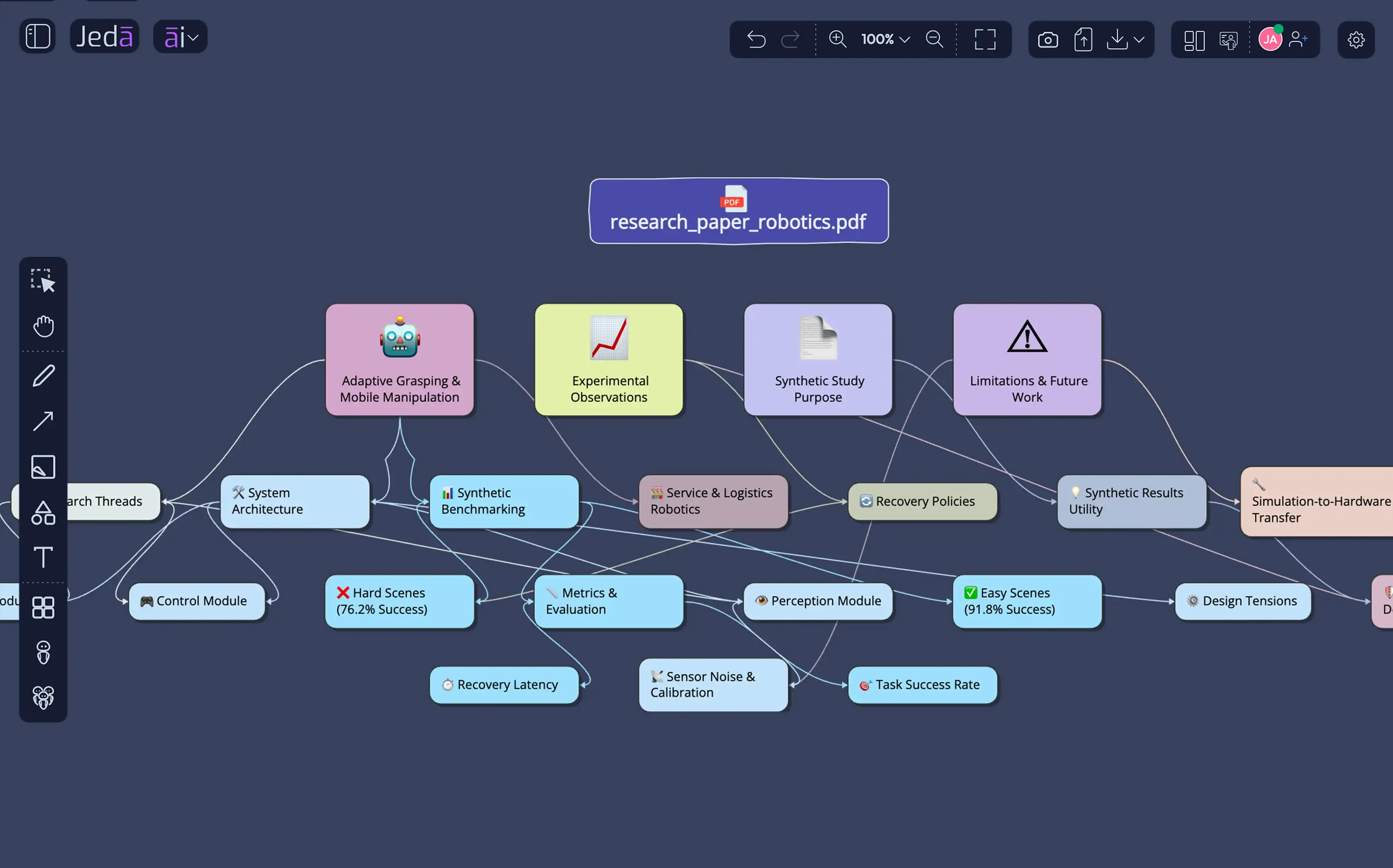
Documents transformed into mind maps, flowcharts, or matrices — visual summaries for team review.
Uses centuries of academic synthesis and research methodology to structure document insights.
18 AI models (GPT-6 Luna, Claude Opus 5.5, Grok 4.1 Fast, etc.) analyze documents simultaneously for deeper comprehension.
AI generates the visual; your team validates and refines it together on a shared canvas.
Switch from mind map to flowchart to matrix with one command. Reuse your analysis work.
Export directly to editable SVG for PowerPoint. Presentation-ready visuals in one click.
Some features require paid plans.
Use market report analysis to organize findings and trends in a visual framework. Compare the proposed structure with the uploaded report and identify questions that need additional research.
Upload business plans, analytical proposals, and annual reports. AI transforms into analytical frameworks (SWOT, Porter's Five Forces, Business Model Canvas, OKR structures). No template filling—document content drives the framework. Visual output ready for board presentations.
Upload technical specifications, process documentation, and workflow guides. AI extracts decision logic and process steps—then generates flowcharts, decision trees, and system diagrams. Complex technical concepts become visual clarity. Team onboarding accelerates.
For strategy and business reports, organize SWOT, BCG, or decision criteria with the analytical framework matrix. Check the proposed framework against the report before presenting it.
For technical process documents, use AI Flowchart Generator to turn documented steps into a draft flow. Review each decision and branch with the people who run the process.
Bring document analysis software into a shared review process. Keep visual findings, questions, and team edits together while referring back to your source documents.
Use document relationship mapping to show how concepts connect. Review the links between findings before treating them as source-grounded visual findings.
AI generates the visual frameworks from your documents. Your team sees it, challenges it, and refines it on a shared canvas. AI is the thinking partner. Your team makes the decisions.
Pair PDF analysis AI with an editable canvas: upload a file, choose a visual format, and check the result. Keep the structure aligned with the document as your team revises it.
GPT-6 Luna, Claude Opus 5.5, Grok 4.1 Fast, LLaMA 4 Maverick, and DeepSeek V3.2 analyze your document simultaneously. Multi-LLM Agent compares reasoning so AI thinks WITH you. No single-model lock-in.
Document-generated mind map → flowchart → matrix. Select a visual and change its format. Reuse analysis work. Explore different visual perspectives from one document.
Select a document-generated visual section. AI Extend pulls more document content to deepen that specific area automatically. Expand branches of mind maps. Maintain design consistency while scaling insight.
2023 market report needs 2026 data? Platform web search supplements document analysis automatically. Update competitive analyses with latest launches. Documents stay evergreen.
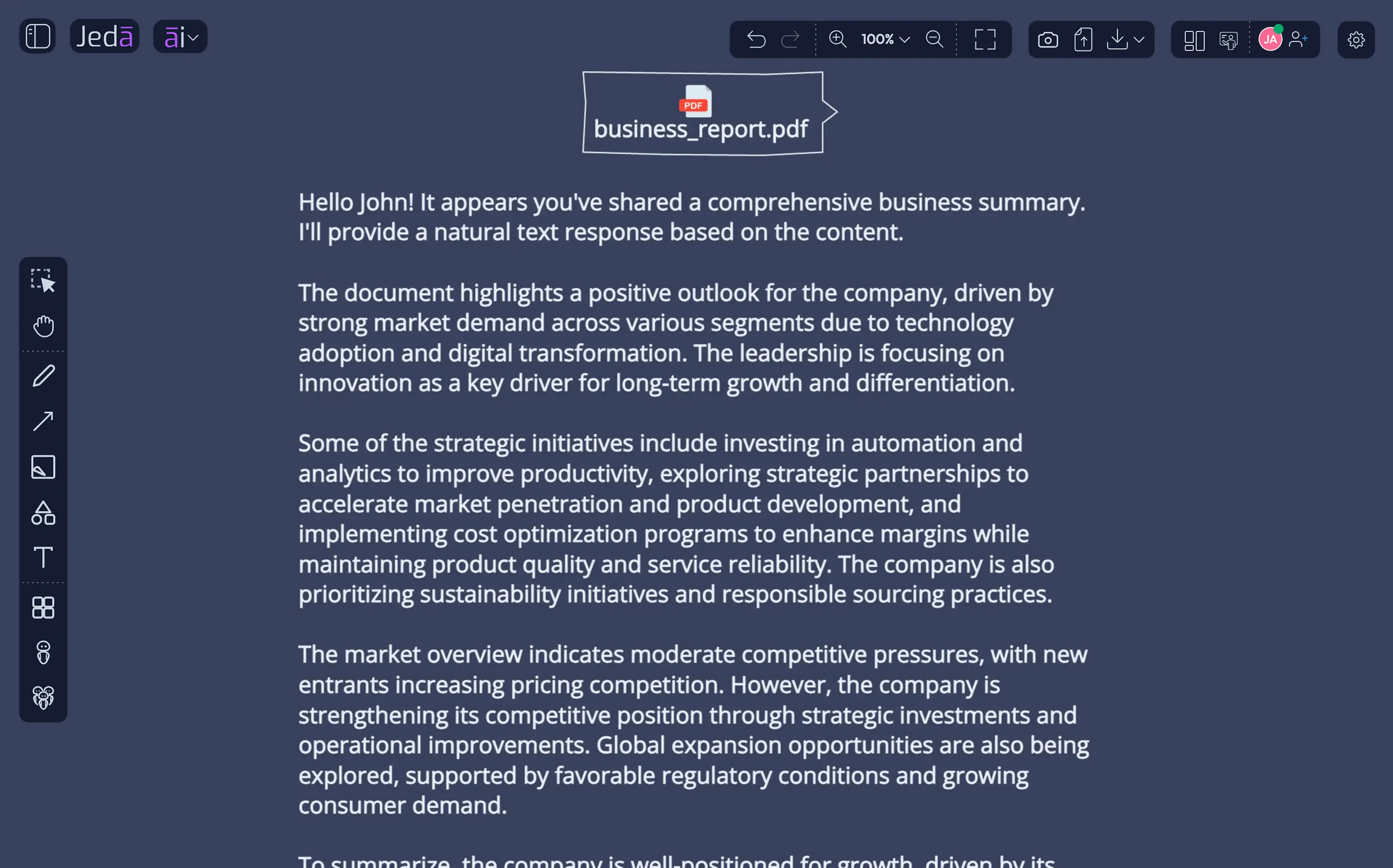
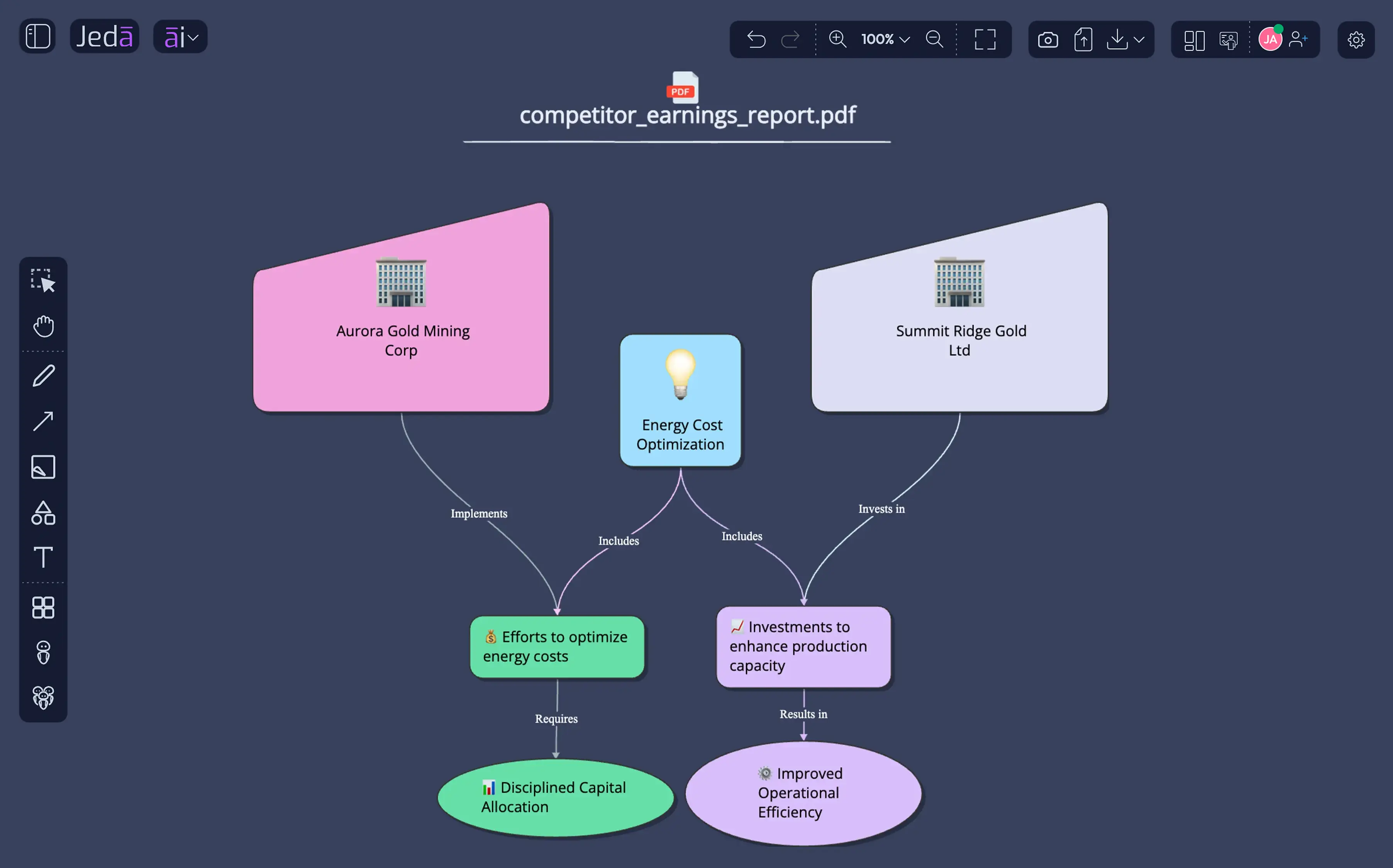
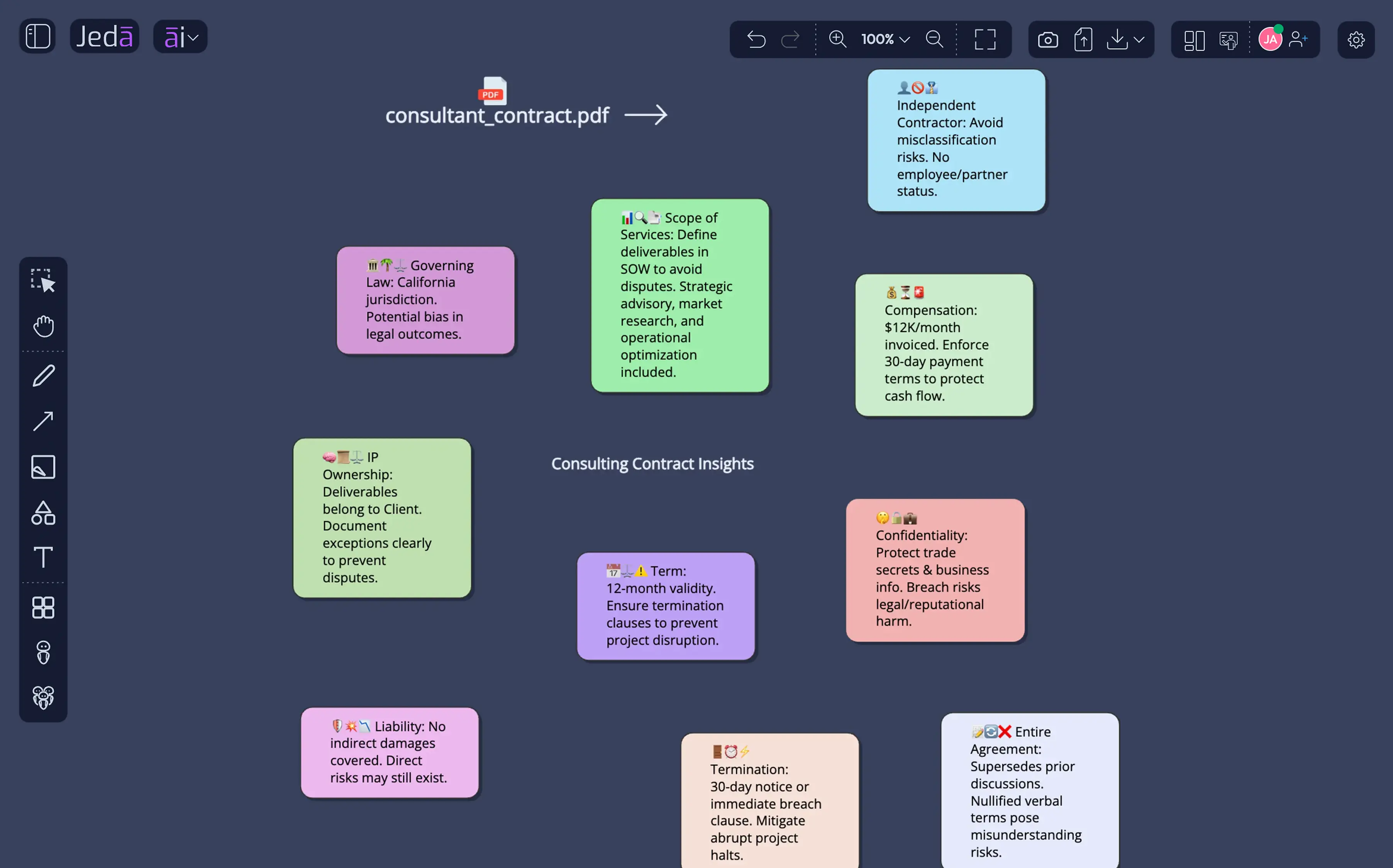
Business analysts, consultants, researchers, legal teams, and product managers use Jeda.ai's document analysis tools daily.
We also offer to help you get started
"Jeda.ai Version 3 sounds like a game-changer! The ability to turn ideas into editable visuals instantly and the multi-LLM agent feature are especially impressive. It’s like an all-in-one workspace for visual thinkers. Definitely excited to try it out!"
"DataGPT leva a análise de dados a um nível de brilho nunca visto, fornecido um espaço de trabalho livre, interativo e colaborativo no Canvas, onde você pode analisar e resumir visualmente dados de arquivos CSV ou Excel. Para análises meticulosas de documentos, o DocumentGPT tem tudo o que você precisa. Ele pode responder visualmente a documentos conforme seu comando, seja um PDF ou DOC."