Text Walls
Keep research notes together so the team can check the supporting information.
Keep research notes together so the team can check the supporting information before generating a draft.
Review notes and group related observations before choosing matrix axes. Matrix grids help teams discuss relationships, priorities, and gaps.
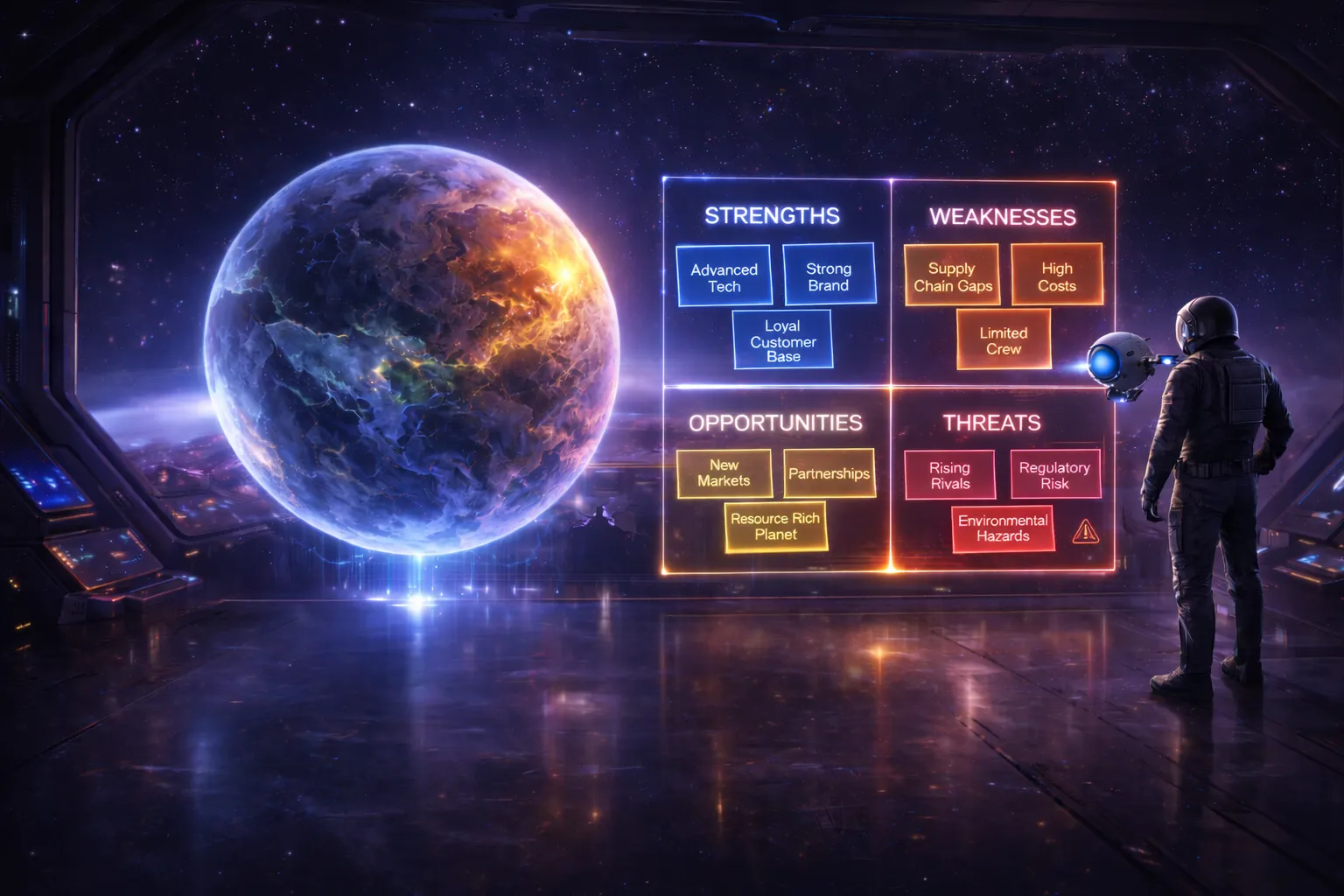
Draft strengths, weaknesses, opportunities and threats for your business question. Use the business strategy matrix tool to check internal and external factors and refine each quadrant with your team.
Use visual analytical frameworks for structured grid-style analysis. Organize a business question into categories your team can review.
Review relationships, priorities and gaps in an editable visual matrix. The AI-powered visual canvas keeps your draft and supporting notes together.
AI generates the matrix. Your team validates each cell, challenges the categorization, and adjusts priorities on a shared canvas. AI is the thinking partner. Your team makes the decisions.
Compare model perspectives on a strategic or technical question, then review the reasoning with your team.
Use Vision Transform framework conversion to explore an analysis through another visual format.
Use AI Extend for deeper analysis of a selected cell or quadrant, then review the suggested additions.
Choose an analytical perspective and review the generated reasoning with your team.
Describe the question, context and framework you want to explore. Prompt to matrix generation connects natural language to framework structure: the AI-powered matrix generator drafts cells for team review.
Natural language input
Strategy framework templates
"SWOT for a SaaS platform entering healthcare"
Use the document to matrix generator to add research as context for an analysis. Review the extracted information before using it in a framework. Continue with AI Document Analysis for document-focused work.
Research documents
AI extracts & populates
Choose an analytical approach and compare model perspectives. Enable web search grounded analysis to bring market research into the discussion, then check the sources before making decisions.
Compare model perspectives
Current market data
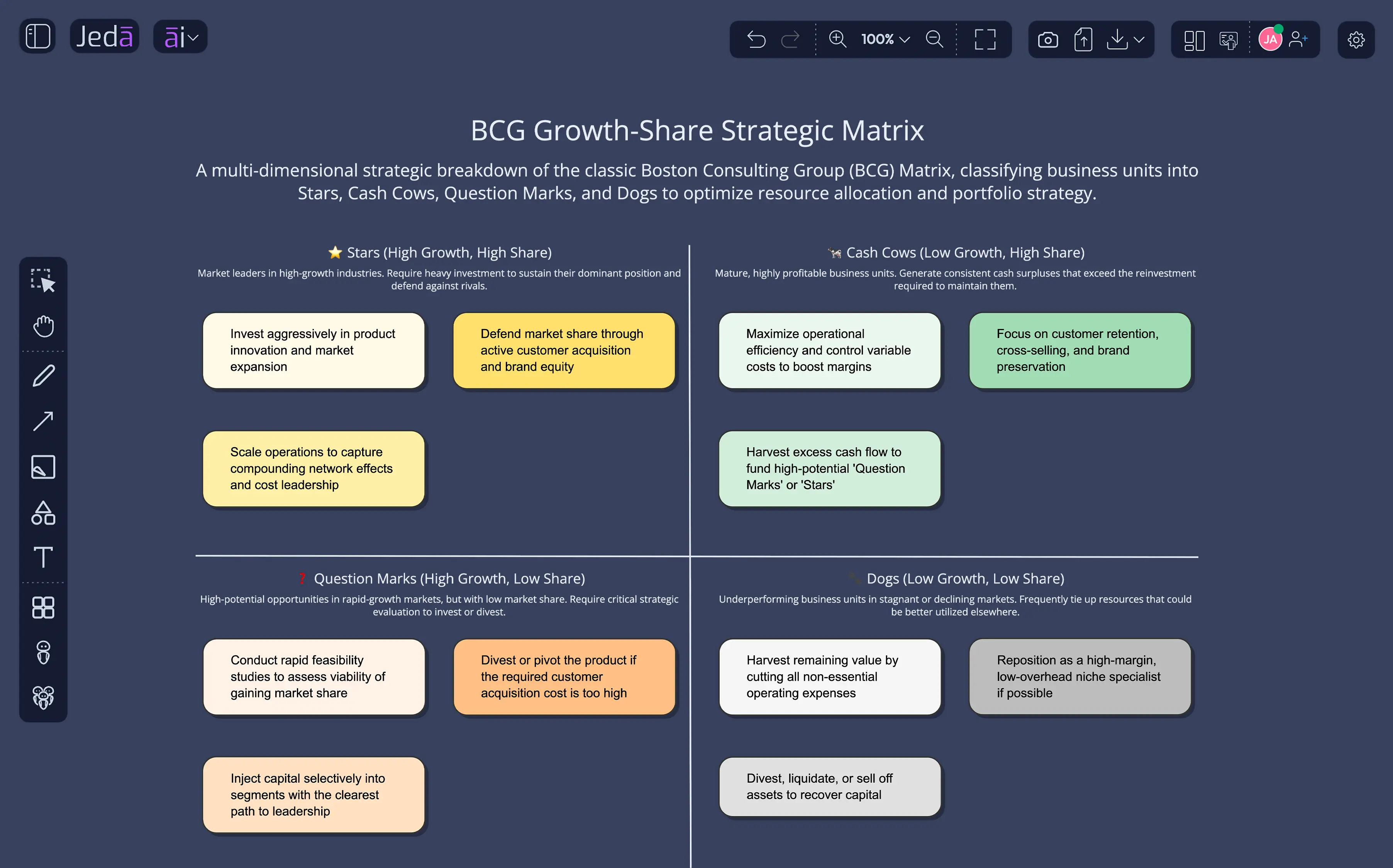
Generate SWOT matrix with AI for quadrant-based analysis, or use the BCG matrix generator to discuss a portfolio in a 2x2 business matrix. Review the generated entries against your evidence.
Populated frameworks
See before committing
Edit any cell, title, color, or connection on your AI Whiteboard. Use AI Extend to deepen analysis — SWOT threat → competitive response, TRIZ principle → design specs. Connect frameworks for multi-angle analysis. Your team collaborates live with real-time cursors and comments.
Deepen any cell
Team edits live
Use Vision Transform to continue the analysis as a flowchart or diagram. An exportable strategy framework in PNG, SVG or PDF keeps the reviewed analysis available for discussion and presentation.
Convert between formats
PNG, SVG, PDF
Use multi-model reasoning as a starting point for discussion. Your team checks the assumptions and makes the decisions.
Compare analytical perspectives with the Aggregator. Your team reviews the reasoning, checks evidence and decides which entries belong in the framework.
Enable web search to supplement framework research. Check the sources and relevance of information before including it in your analysis.
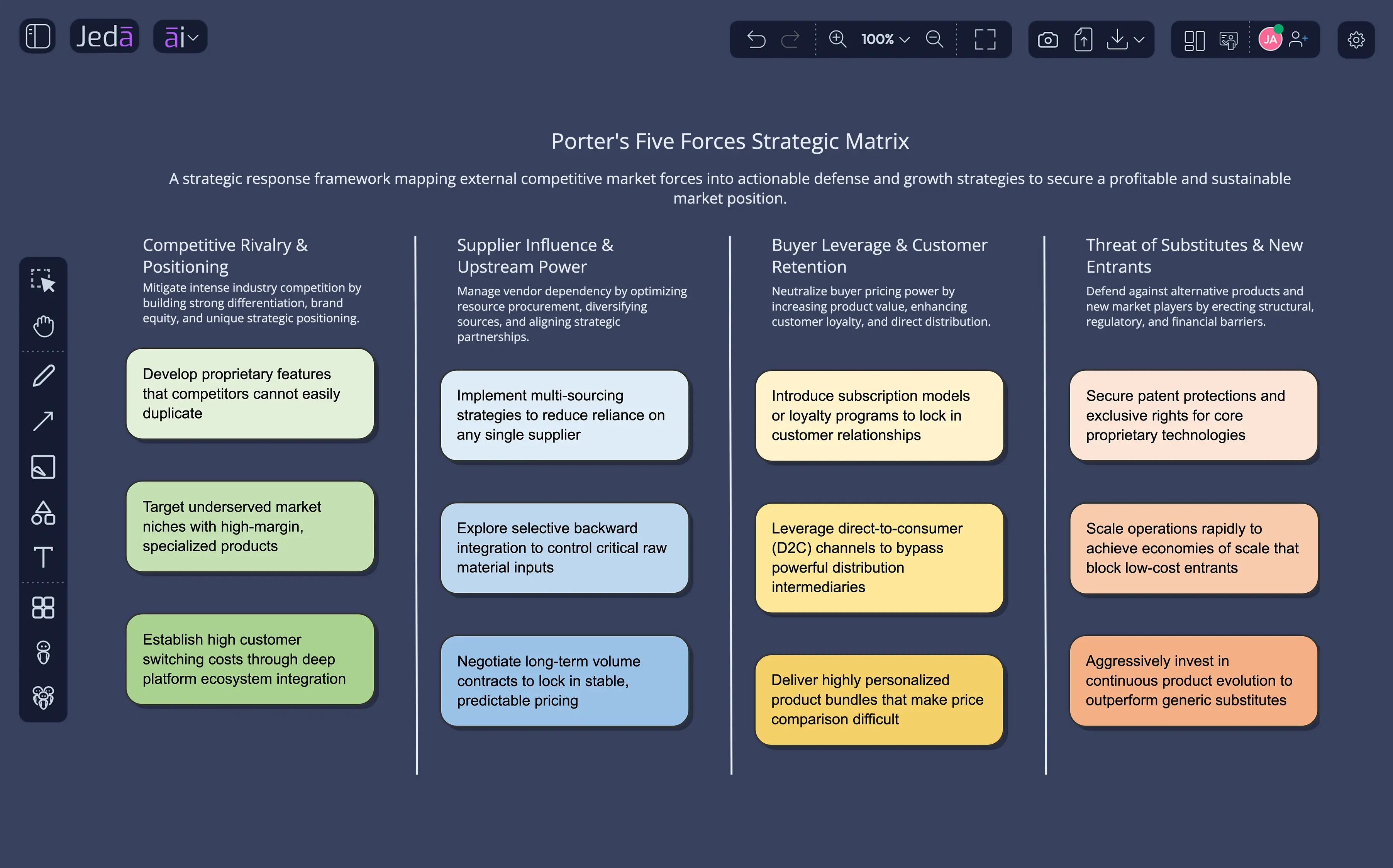
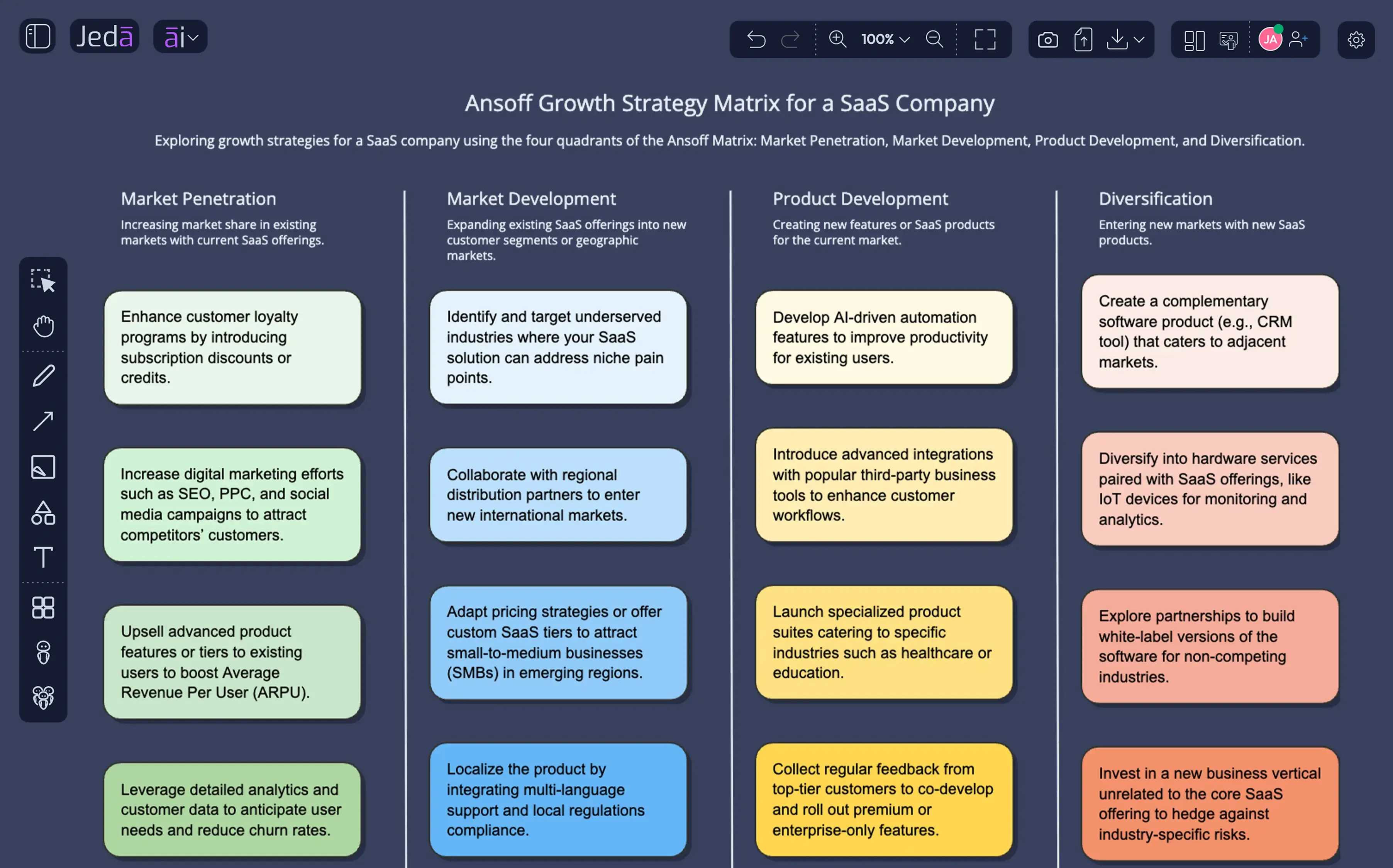
Visual thinking across formats — transform any visual model into another strategic lens. Convert a mind map brainstorm into a structured SWOT matrix, or transform your Porter's Five Forces into an Ansoff Growth Matrix to explore market/product combinations.
Deepens analytical methodology by expanding any quadrant into detailed competitive responses. Select the "Threats" quadrant and AI expands it with sub-threats, cascading risks, and mitigation options. Expand a selected framework cell and review the suggestions.
Use Vision Transform to explore a framework as a mind map. Continue with Generate Mind Maps with AI when you want to expand the relationships behind a matrix entry.
Consultants can use a strategy framework generator for market entry analysis. A strategic planning framework generator organizes workshop questions. Build toward consultant-grade framework templates by adding client context, checking sources and reviewing assumptions.
Innovation managers can use the innovation framework generator to explore technical contradictions with TRIZ and product changes with SIT. Compare proposals against research and design constraints before taking them forward.
Designers can use an engineering design matrix to connect design intent and selection criteria. A PUGH concept selection matrix compares alternatives against weighted criteria; QFD maps customer needs to engineering requirements.
A product strategy framework helps managers discuss roadmap choices. Use a product prioritization matrix such as RICE or Kano to compare proposals, and a competitive analysis matrix to organize researched positioning.
Students can use the Ansoff Matrix generator to explore growth choices, or the Business Model Canvas generator to examine a business model. Explain the assumptions behind each entry and review the analysis together.
Organize the questions before generating a framework
Keep research notes together so the team can check the supporting information.
Review notes and group related observations before choosing matrix axes.
Choose an analytical framework that matches the question you need to answer.
Building SWOT from scratch manually means filling cells one at a time with no data context.
Invite stakeholders to review assumptions and challenge the draft analysis.
Revision cycles drag on as stakeholders request changes and you rebuild from scratch.
Review the generated framework with your team
Use matrix grids to discuss relationships, gaps and priorities.
Start with SWOT, BCG or Ansoff to organize strategic questions.
AI is the thinking partner. Your team sees, challenges, and refines results on a shared canvas.
Compare model perspectives and decide which reasoning fits your evidence.
Vision Transform converts between frameworks: SWOT→flowchart, TRIZ→roadmap, QFD→specs.
One canvas unifies strategy frameworks, innovation matrices, flowcharts, and diagrams.
Use a business framework generator to organize strategic planning, product priorities and engineering questions.
Browse a framework category, choose a layout and customize its entries.Use the Porter's Five Forces AI generator to examine competitive pressures, or the PESTLE analysis generator to group external factors. A competitive intelligence framework keeps evidence and uncertainty visible for a strategy discussion.
Explore Lean Canvas, Value Proposition Canvas, Jobs-to-Be-Done and customer journey layouts. Use editable matrix templates to organize customer research and discuss the assumptions behind a business model.
Use PUGH Matrix (weighted design concept selection) to compare alternatives, or explore technical contradictions with TRIZ. Use the risk assessment matrix generator to draft an FMEA layout, then check failure modes and criteria against your engineering evidence.
Explore SWOT, PESTLE, BCG, Ansoff, Business Model Canvas, TRIZ, PUGH and QFD as editable matrix templates.
Compare model perspectives on a business or engineering question, then validate the generated reasoning.
Describe your challenge to the AI framework generator and choose a layout for the question. Review AI-generated strategic frameworks against the sources and assumptions your team provides.
Convert SWOT→Porter's→Ansoff, TRIZ contradiction matrix→product roadmap flowchart, QFD House of Quality→engineering requirement diagrams. Reuse thinking across analytical lenses. Change command, change output format. Same analysis, new perspective.
Expand a selected SWOT quadrant, PUGH criterion or QFD customer need with AI Extend. Review each suggestion before adding it to the analysis.
Use real-time market data integration through CSV upload and real-time web search. For spreadsheet to framework analysis, you can also upload Excel context and review the observations before adding them to a matrix.
SWOT uses quadrants, Porter's a force map and Business Model Canvas a multi-column layout. PUGH provides a weighted decision grid. Edit cells and connections to make the visual structure match your analytical question.
Use the business analysis canvas for team-based AI decision support. Discuss specific cells, check the supporting evidence and refine the entries together before exporting the analysis.
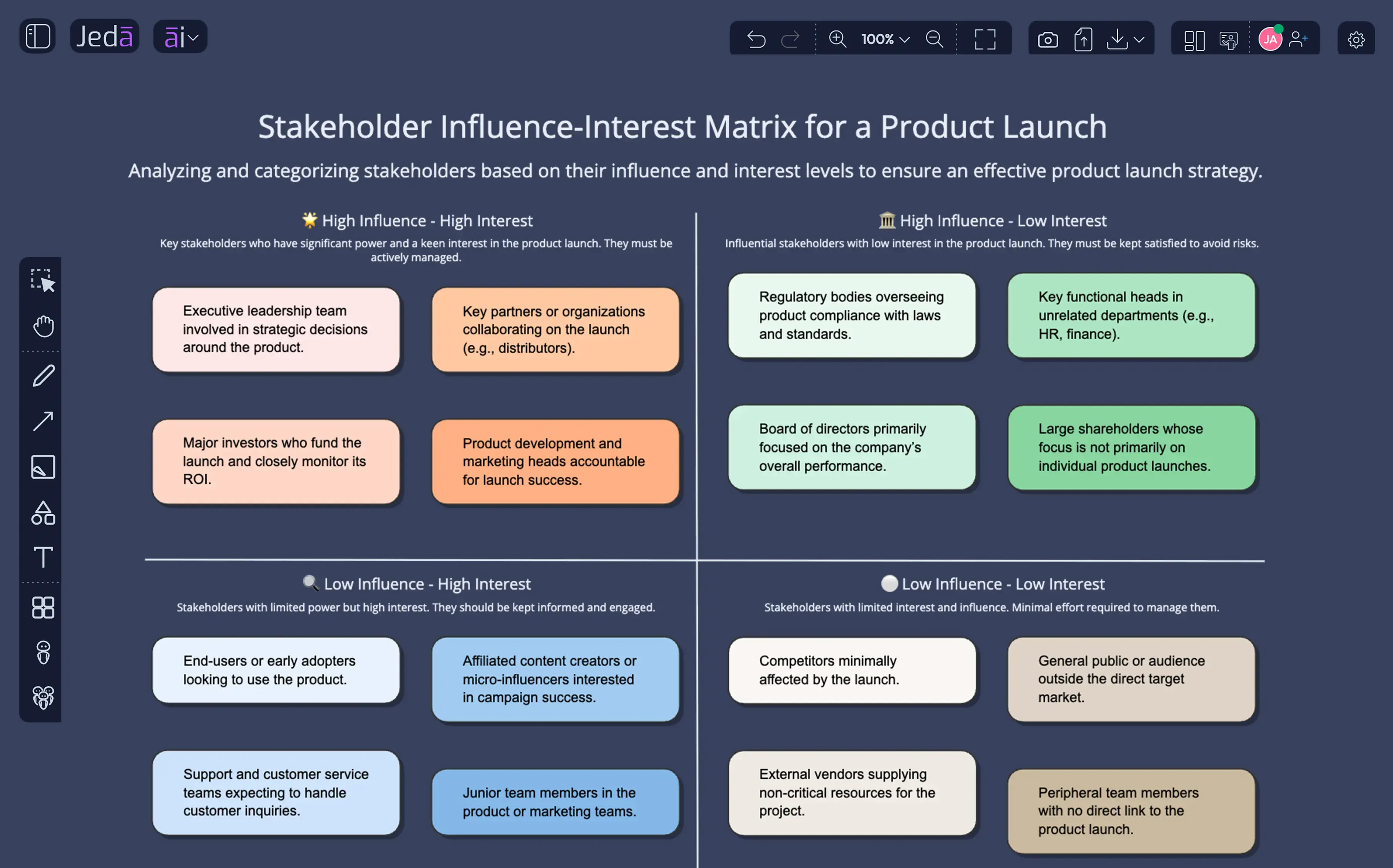
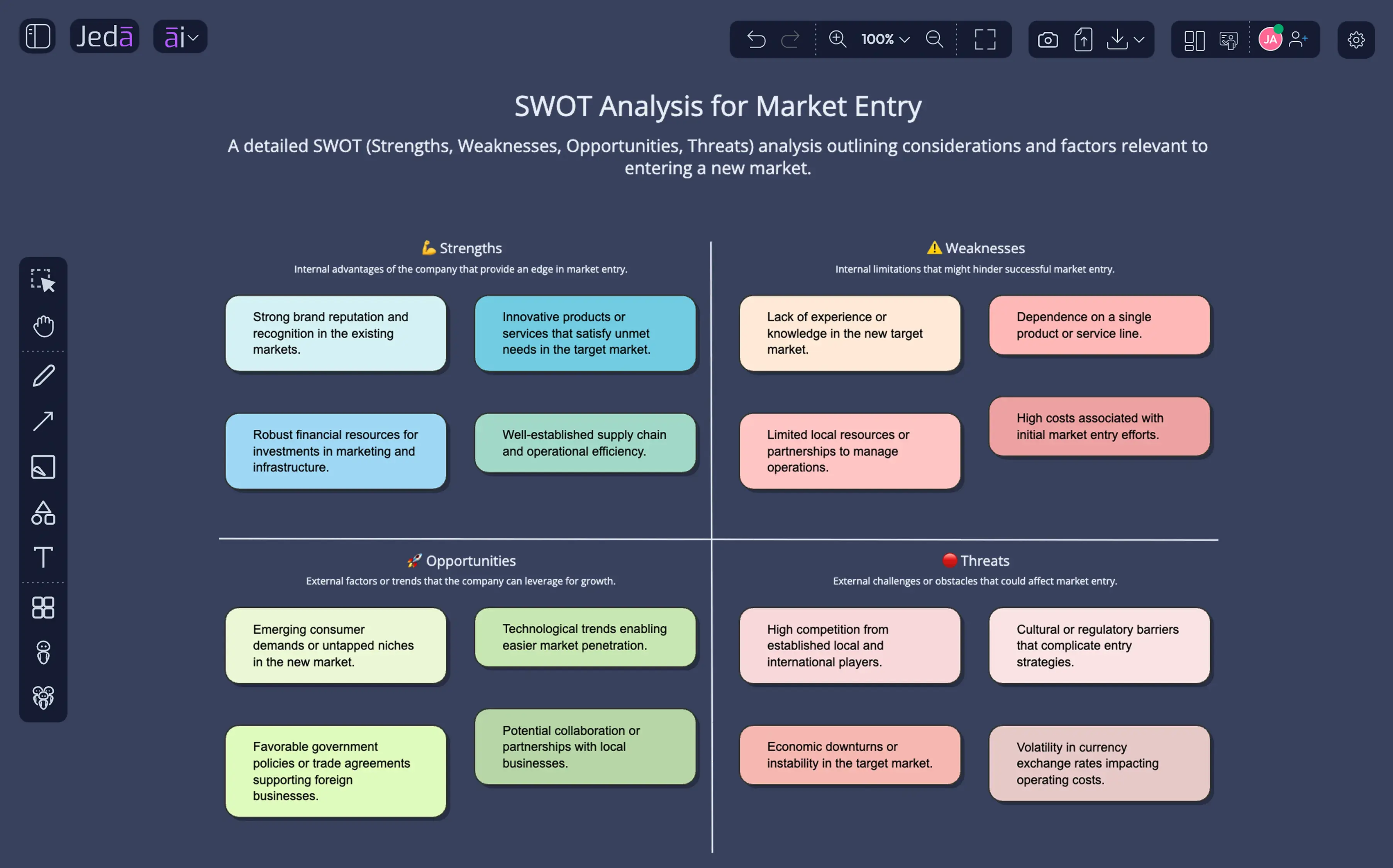
Bring the framework into your next strategy discussion.
We also offer to help you get started